Multi-part downloads
When supported by the source server, files can be transferred over up to 16 parallel connections.
Everything a pro download manager needs, in one simple, localized package.
When supported by the source server, files can be transferred over up to 16 parallel connections.
When supported by the source server, downloads can continue after a connection loss or system restart.
Downloads from Chrome, Edge and Firefox arrive in PDM with a single click.
Files are sorted into folders by type — software, video, music, images.
Supported page media reaches PDM from the browser extension, in the chosen quality and format.
No in-app ads or tracking; download activity never leaves the device.
Data received by day and month, a breakdown by category, average and peak speed, and a monthly quota alert — with CSV export.
One right-click on a page or a text selection sends every link to PDM, where only the wanted ones are ticked.
A finished file passes through Windows' own attachment scan — the installed antivirus — before it opens.
Paste the SHA-256 or MD5 a site publishes next to a finished download, and PDM says whether the file matches.
Downloads start and stop at set times, repeat on chosen weekdays, and the PC can sleep or shut down once the queue is done.
A speed cap applies to one download or to the whole app, leaving bandwidth free for everything else.
The number of simultaneous downloads is configurable, any item can move up or down, and several can be paused, resumed or removed together.
Downloads and media go through the system proxy or an HTTP or SOCKS5 proxy of your choice; the proxy password is stored encrypted.
Swap an expired link for a fresh one from the same page; when the server supports it, the download carries on from where it stopped.
The extraction password for each site is saved once and shown beside a finished archive, ready to copy in one click.
Persian, English, Arabic, German and Turkish — each with its own wording, digits and text direction.
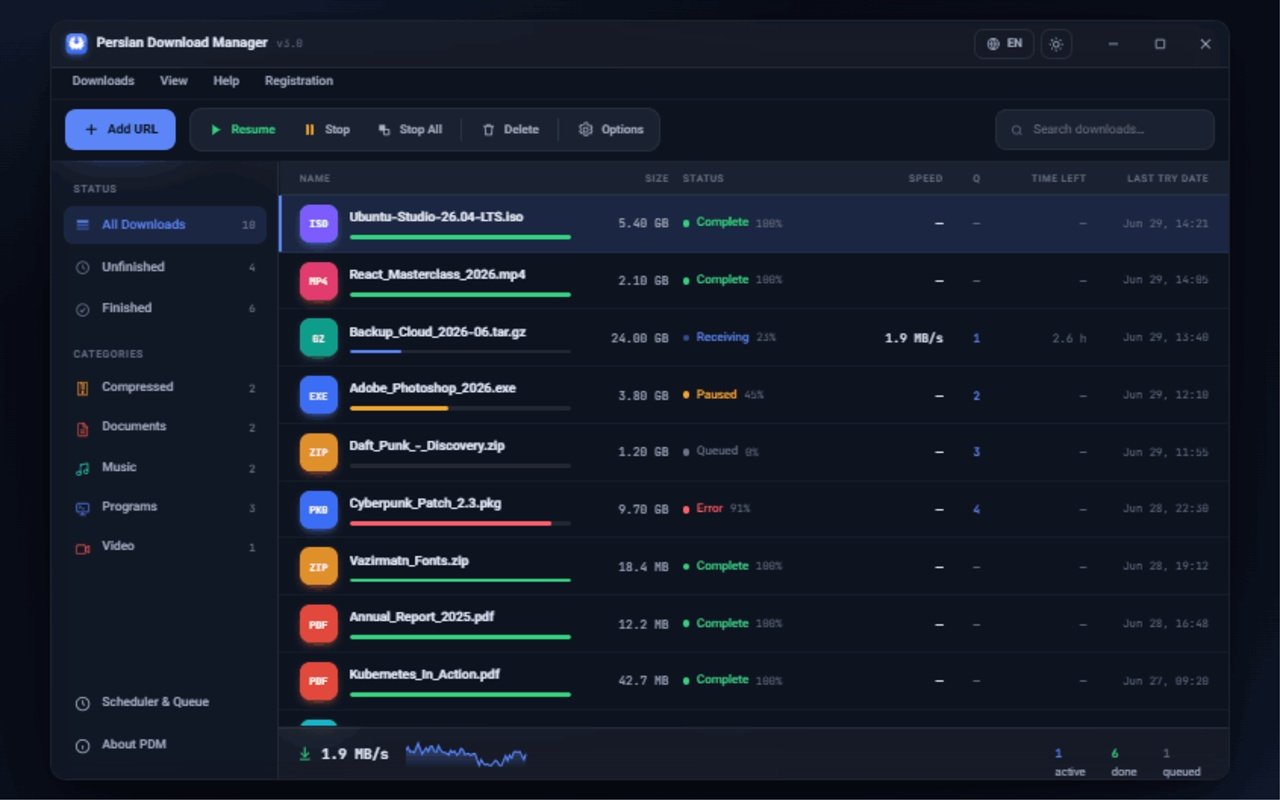
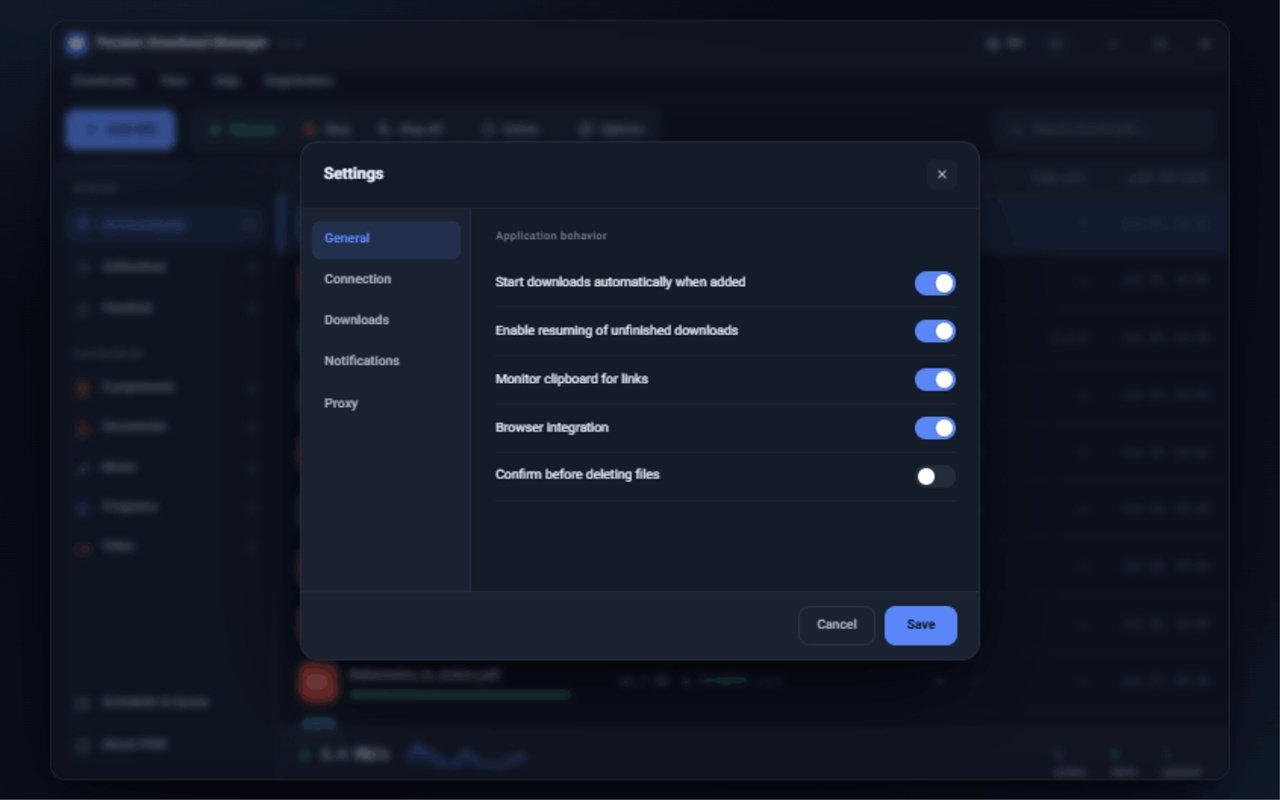
Real product interface
Authentic screenshots from Persian Download Manager show the download workspace and application settings exactly as they appear in the desktop app.
Live demo
This is an interactive sample — try the buttons: pause, resume, remove, and add a download.
A closer look
When supported by the source server, files can be transferred over up to 16 parallel connections to make better use of available bandwidth.
When the source server supports resuming, PDM can continue from the last saved state after a connection loss or system restart.
The official Chrome, Edge and Firefox extensions send supported download links and media to PDM when requested by the user.
Interface languages
Pick a language — the same download row in its wording, digits and layout direction.
 PDM
PDM