
Troubleshooting
Download failed? How automatic retry works in PDM
If the connection drops or a server is briefly busy, Persian Download Manager retries the download for you. See when it does and when not.
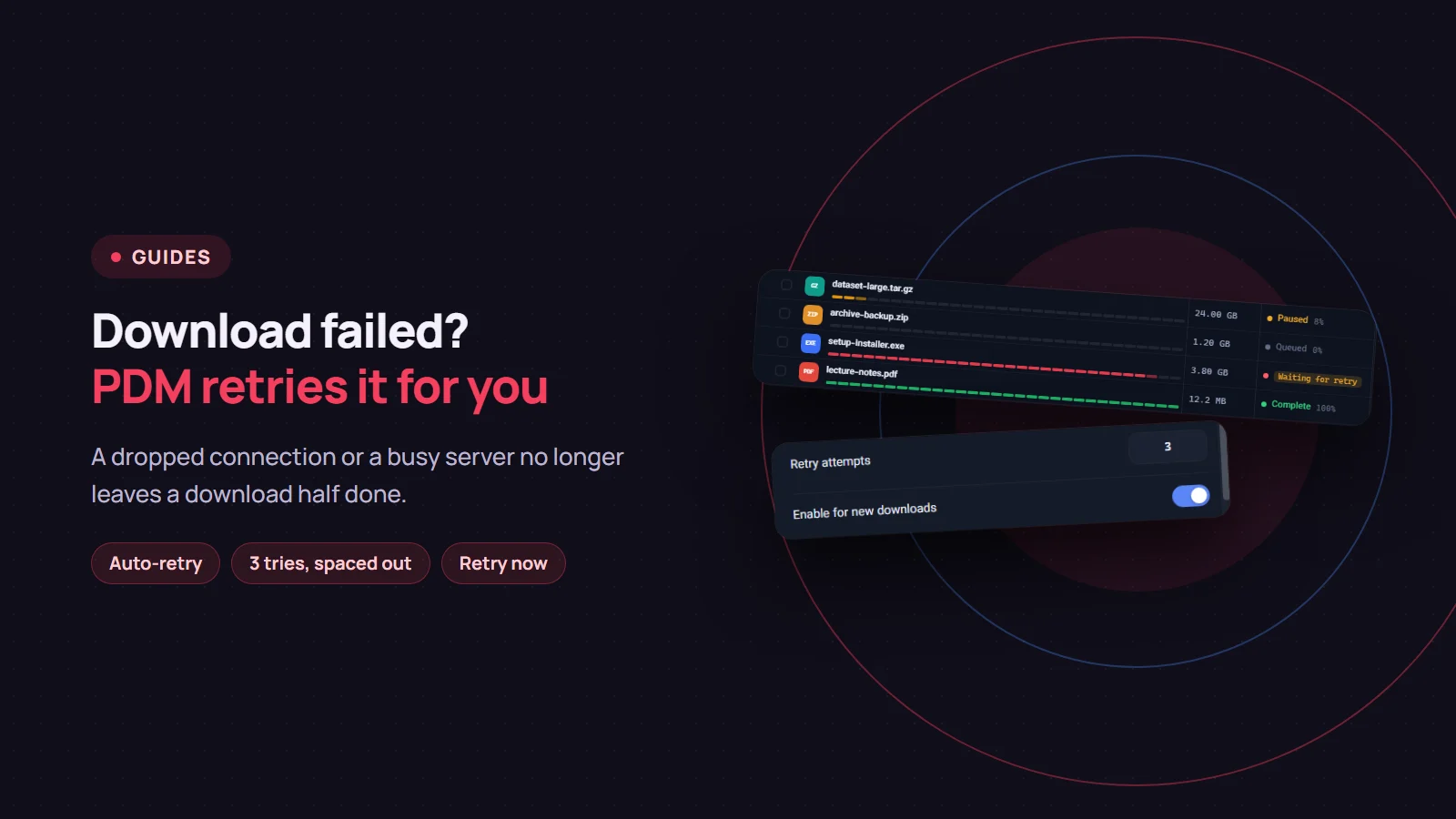
Connections drop for a few seconds and servers sometimes fail to answer for a moment. If a download fails right then, you do not have to come back and restart it yourself. Persian Download Manager (PDM) recognises temporary errors and retries the download on its own: up to three times by default, waiting a little longer each time. This post explains when that happens, when it does not, and how to set it up.
What you see in the list
A download that hit a temporary error and is about to be retried shows a "Waiting for retry" label. There is nothing to do. PDM comes back to it after a few seconds. If the server supports resuming, the download continues from where it stopped.
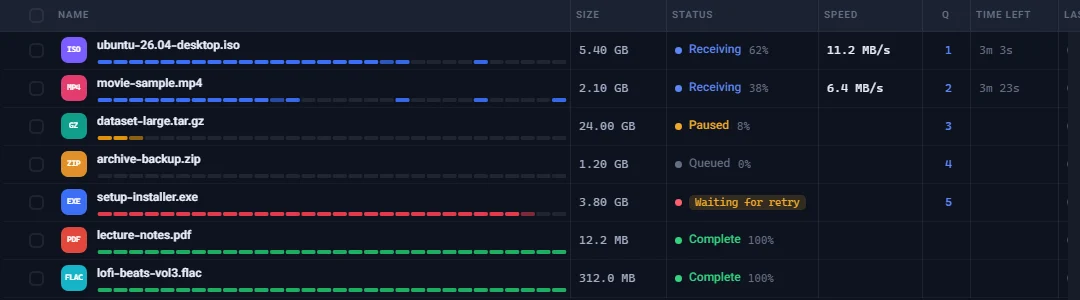
The wait grows with each try: about 5 seconds, then about 10, then about 20, doubling up to at most 5 minutes. That gives a busy server room to recover and avoids hammering it with useless attempts.
Which errors are retried
Only errors that are likely to go away on their own:
- The connection was lost or timed out
- The server's address could not be found or a secure connection failed, usually because of a short outage
- The server is overloaded or had an internal error, or asked you to slow down
- The proxy was briefly unreachable
- A video link expired: video sites hand out short-lived addresses, and a new try gets a fresh one
Errors that waiting will not fix are not retried, so no time or data is wasted. Examples: the server says the file does not exist or refuses access, the disk is full, or the video is private or removed. Those downloads stay in the list with the reason shown.
The app-wide setting
In "Settings", under "Connection", there are two options:
- "Retry attempts": any number from 0 to 10. The default is 3.
- "Enable for new downloads": turns automatic retry on or off.

This setting applies to new downloads only. Downloads already in the list keep their own setting.
A setting for one download
Right-click a download and choose "Retry policy…". There you can turn automatic retry on or off for that download alone and change "Max retries". The same window shows how many tries have been made so far and when the next one is due. The "Disable" button turns automatic retry off for that download.
If you do not want to wait
- Right-click a failed download and choose "Retry now" to start it again immediately.
- If several downloads failed, select them all and click "Retry selected".
Good to know
- While the queue is stopped, automatic retries wait too. They carry on when you resume the queue.
- When all tries are used up, the download stays in the list with the reason, and you can click "Retry now" whenever you like.
- If the link itself has expired, retrying the same link will not help. Get a fresh link and use "Renew link…", explained in this post.
If you do not have Persian Download Manager yet, get it free from the download page.