
PDM news
Persian Download Manager is now on Linux: the 3.3 beta
The Persian Download Manager beta for Ubuntu is out. It installs with one command, needs no sudo and works with Chrome and Firefox.
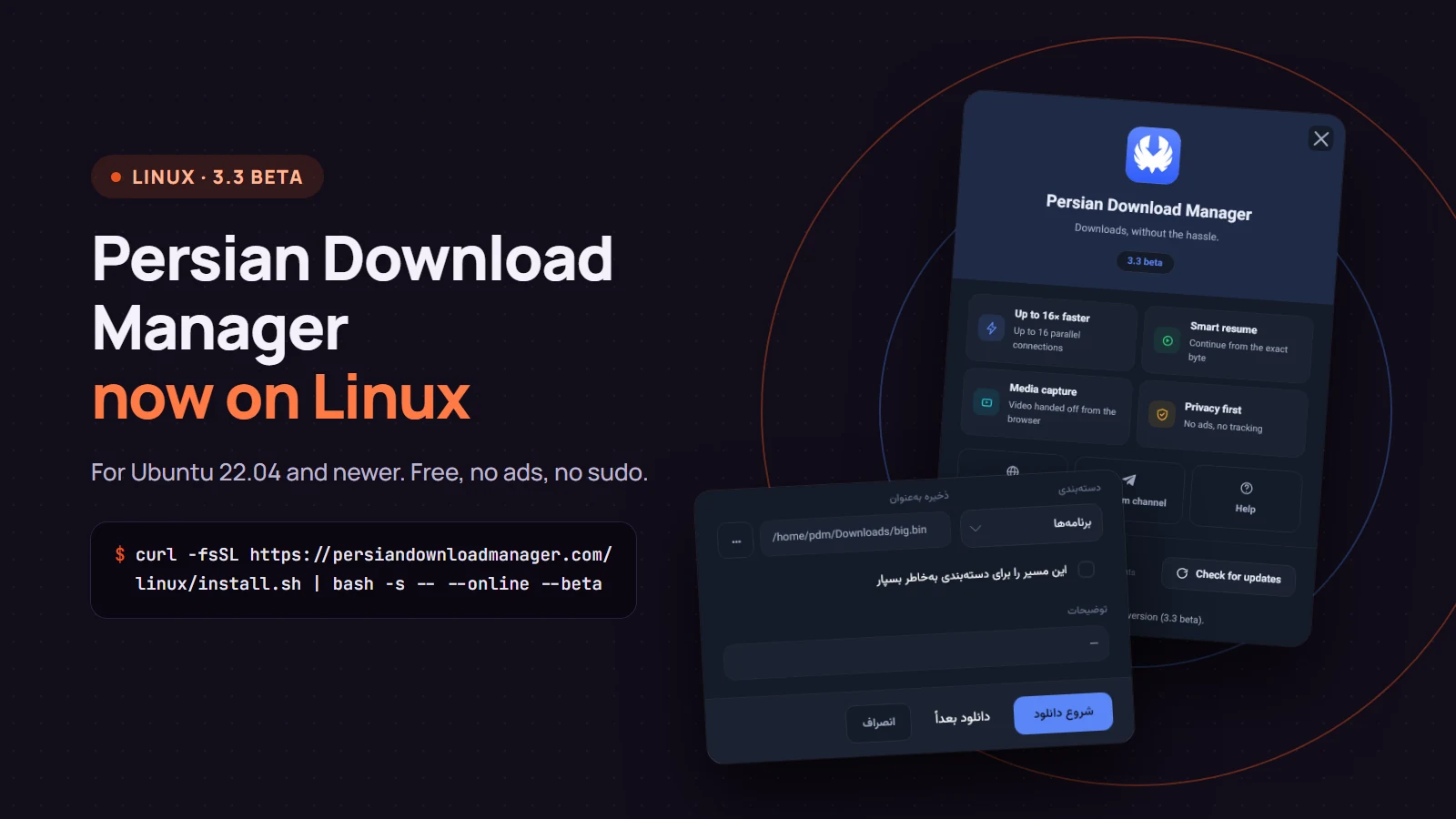
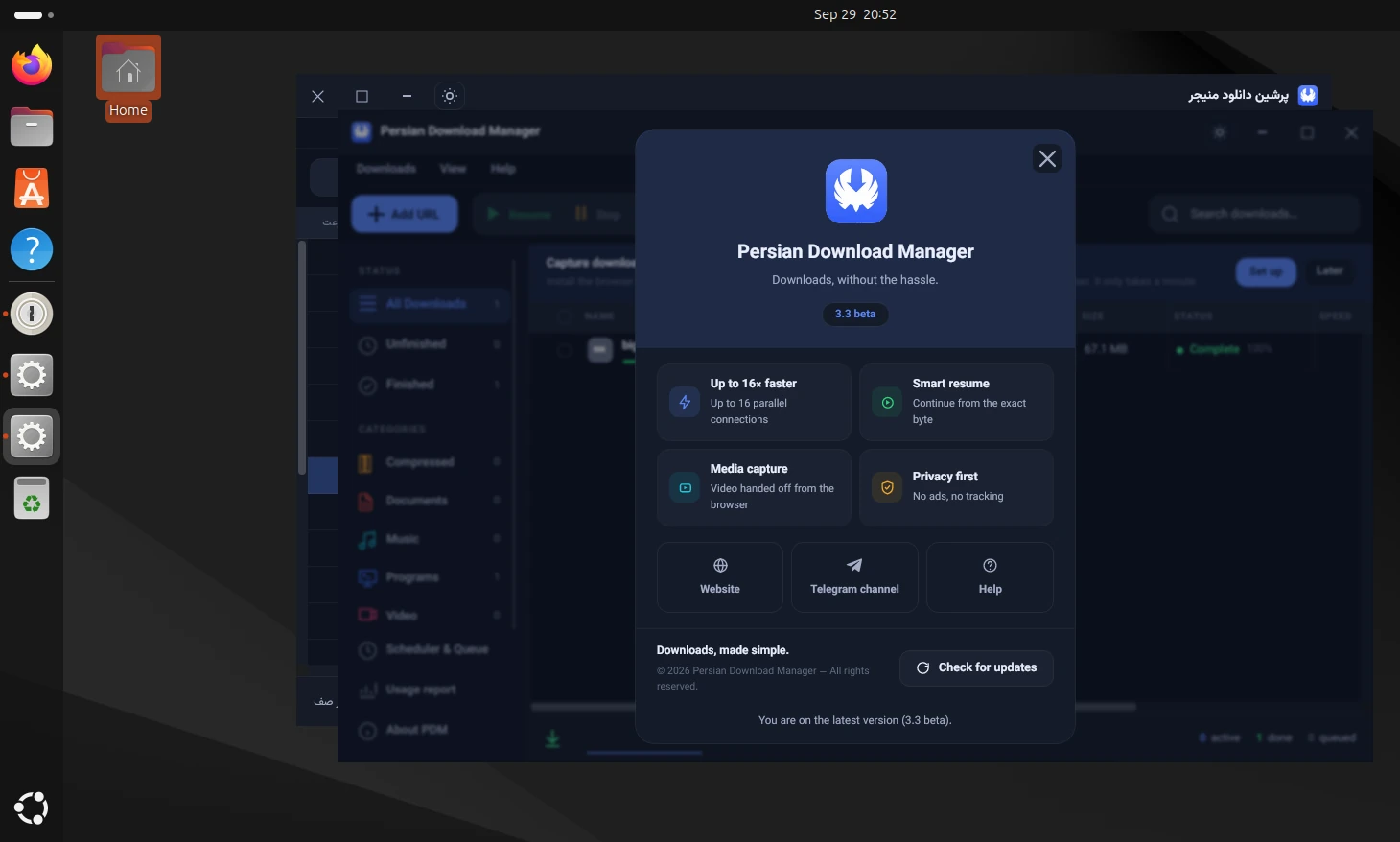
Persian Download Manager (PDM) now runs on Linux. The 3.3 beta is out for Ubuntu 22.04 and newer: the same app as on Windows, installed with a single command and no administrator password. Here is what it does, how to install it, and what is not ready yet.
What it does
- Multi-connection downloads: every file downloads over 8 connections by default, and up to 16 when the server allows it.
- Resuming: a dropped connection, logging out or restarting Ubuntu does not break a download; it continues from where it stopped.
- Browser integration: download links from Chrome and Firefox go straight to PDM — including the Firefox Snap that Ubuntu ships.
- Video downloads with a choice of quality; the tools it needs are fetched automatically the first time.
- Scheduling, a queue and speed limits, just like on Windows.
- Five interface languages: English, Persian, Arabic, German and Turkish.
Install with one command
Open a terminal with Ctrl+Alt+T and run:
curl -fsSL https://persiandownloadmanager.com/linux/install.sh | bash -s -- --online --beta
The installer downloads the package, checks it against the SHA-256 hash published on the site before installing, and installs PDM in your home folder (~/.local/share/pdm). If one download server is unreachable, it tries the next one. At the end it creates a menu entry, an icon and a pdm command, and starts the app. The command and the package checksum are also on the download page under the Linux tab.
After installing, add the PDM extension to Chrome or Firefox so downloads reach the app automatically.
Updating and uninstalling
You do not need the terminal for later versions: PDM updates itself from inside the app. To remove it completely, run the command below. Files you downloaded are not deleted:
~/.local/share/pdm/app/current/uninstall.sh
Where it runs
| Status | System |
|---|---|
| Tested | Ubuntu 22.04 and 24.04, 64-bit (x64) |
| Supported | Google Chrome (deb) and Firefox, regular and Snap |
| Not yet | Chromium installed as a Snap, ARM processors, a deb package and an APT repository |
Other distributions may work, but they have not been officially tested yet.
Why a beta?
This is the first Linux release, and we want it to meet real machines before the final version. If something goes wrong, open the Help menu and choose "Send an idea or report a problem": the report reaches us directly, together with your system's name and version, so problems are found sooner.
The install command, the checksum and the release notes are on the download page.