
Troubleshooting
Download link expired? Resume with a fresh link
Link expired? Do not delete the download. With Renew link in Persian Download Manager, give it a fresh link and it continues where it stopped.
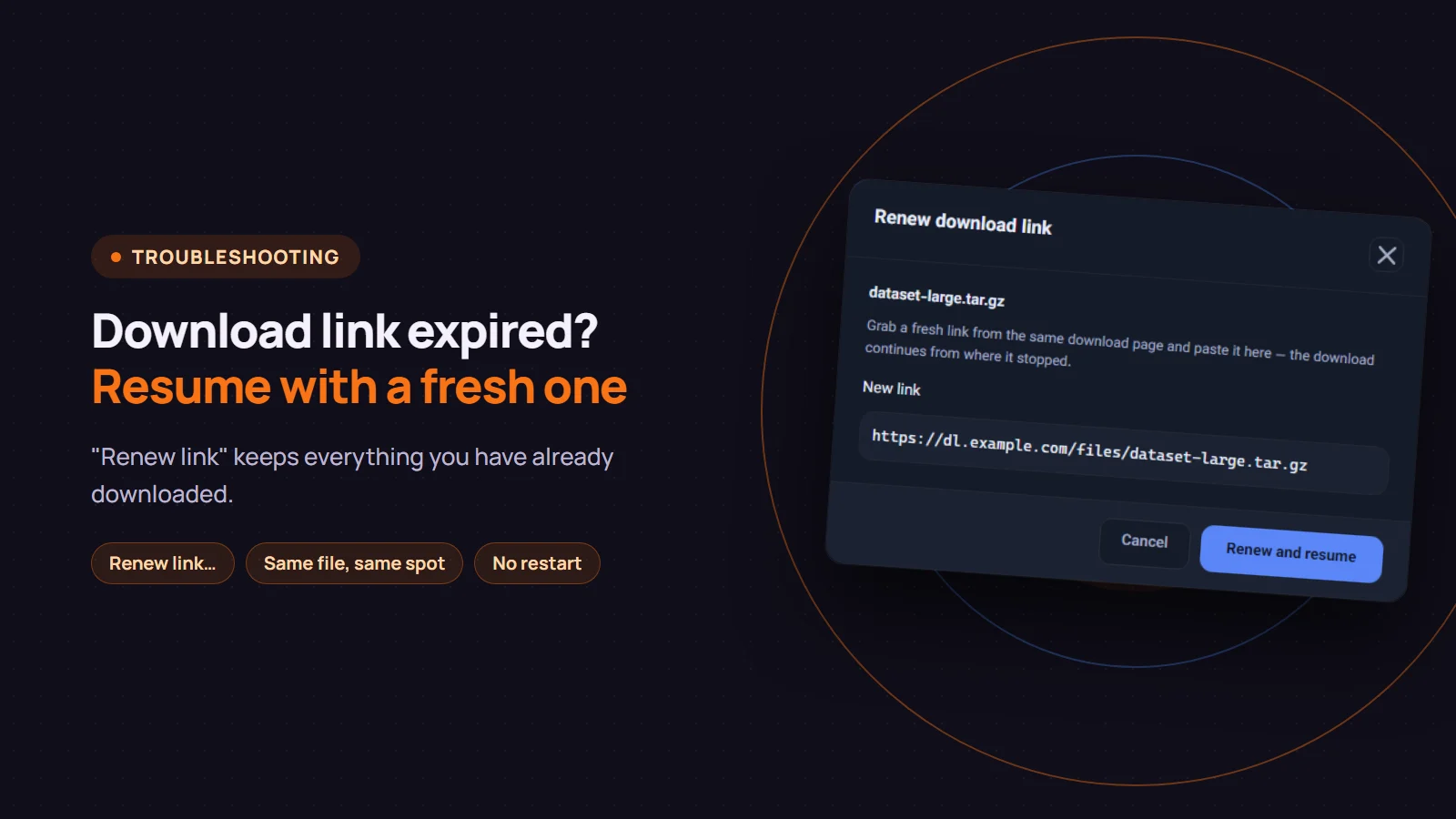
Many sites hand out temporary download links that stop working after a few hours, or once your connection changes. If a large download is halfway through when its link expires, starting over means throwing away everything downloaded so far. In Persian Download Manager (PDM) you do not have to: get a fresh link from the same page, give it to the same download with "Renew link…", and it continues from where it stopped.
How to tell the link has expired
- The download stops with "Link has expired".
- "Resume" or "Retry now" fails again or makes no progress.
- Opening the old link in your browser shows an error page or a sign-in page instead of the file.
Retrying the same link will not help then; what you need is a new link.
Step by step
- Do not delete the download. Renewing depends on the part already downloaded.
- Go back to the page you downloaded from. Right-click the download button and choose "Copy link address". If the site asked you to sign in or confirm something first, do that again.
- In PDM, right-click the download and choose "Renew link…". It works on paused or failed downloads; if the download is still running, pause it first.
- Paste the fresh link into "New link" and click "Renew and resume".
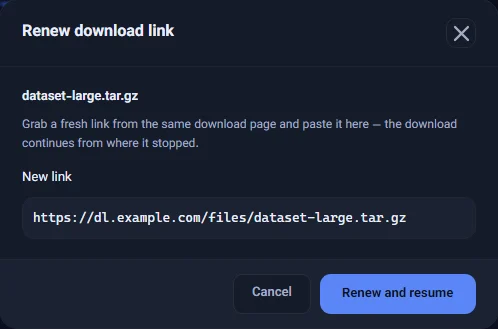
PDM checks the link for a moment, and the button shows "Checking link…". If everything matches, the download carries on from where it stopped.
What PDM checks before resuming
Continuing one file with a link to a different file produces a broken file. So before resuming, PDM asks the new server two things:
- Is it the same file? The new link's file size must match your download exactly. If it differs, PDM refuses the link and leaves your download untouched.
- Can the server resume? The new server must report the file size and support continuing a partial download.
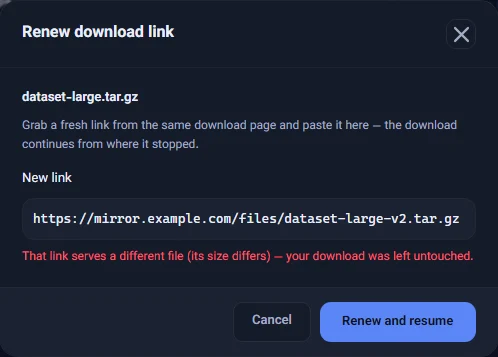
If a link is refused, the dialog stays open and says why, so you can try another link. The messages you may see:
- "That link serves a different file": usually a different version or a different file was copied. Copy the link again from the same button.
- "The new server does not report a file size" or "does not support continuing a partial download": resuming safely is not possible on that server. If the site offers another server (a mirror), try that link.
- "This download's original size was never recorded": the first server never reported the size. Use "Download again" instead.
Good to know
- Use the fresh link soon. A link built to expire will expire again.
- A different server is fine. The new link does not have to come from the same server, as long as it is the same file and the server supports resuming.
- If the download stopped because your connection dropped and the link still works, you do not need to renew; "Resume" or automatic retry handles it. For other reasons a download breaks off, see this post.
If you do not have Persian Download Manager yet, get it free from the download page.