
Guides
Best Free Download Managers for Windows: How to Choose
How to choose the best free option for Windows: multi-part downloads, resuming and scheduling without paying. See what a good free manager should do.
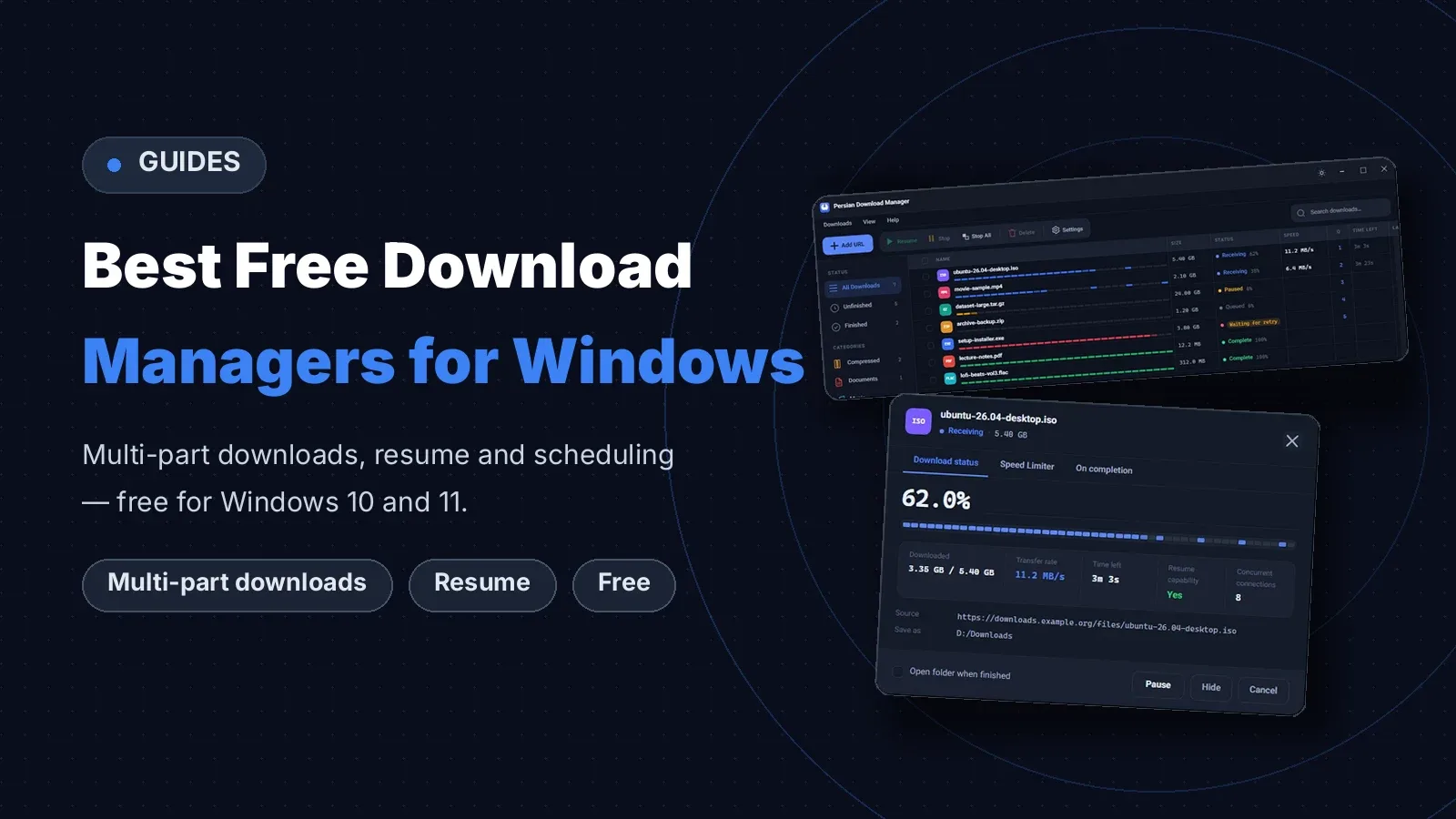
The best free option for Windows is one that downloads faster, more reliably and for free: it fetches a file in parts, resumes it after a drop, and runs downloads at the time you choose. This guide shows what a good free option should do, and how Persian Download Manager (PDM) handles each of them. If you are not sure what a download manager is yet, read What Is a Download Manager? How It Works and Its Benefits first.
The best free option at a glance
For most Windows users, the choice is between a good free tool and a paid one. Paid tools usually offer a 30-day trial and then ask for a yearly or lifetime license. A good download manager does the main jobs — multi-part downloads, resuming and scheduling — for free, and that is enough for most people.
How to choose the best free one
- It must be genuinely free. Some tools are free for 30 days and then lock up. The best free option should not ask for money later or force you to sign up.
- It must resume broken downloads. If the connection drops, the download should continue where it stopped, not from zero.
- It should download in parts and on a schedule. It should fetch a file over several connections at once and run downloads at the time you choose.
- It should catch downloads from your browser. A download you start in the browser should go straight to the tool.
- It must run on Windows 10 and 11. A tool that only runs on old Windows is no use.
What the best free option for Windows should do
| Feature | Why it matters | Persian Download Manager |
|---|---|---|
| Multi-part downloads | Faster downloads | Up to 8 connections by default, up to 16 |
| Resuming | A dropped connection costs nothing | Yes |
| Scheduling and queues | Cheaper overnight downloads | Yes |
| Speed limiting | Browsing stays fast for everyone else | Yes |
| Browser extension | Downloads go straight to the tool | Chrome, Edge, Firefox |
Persian Download Manager: the best free option for Windows
1. Multi-part downloads, fast
PDM fetches one file in several parts over several connections at once — up to 8 connections per file by default, and up to 16 if you want. Your final speed still depends on your connection and the server.
2. Resuming broken downloads and scheduling
If the connection drops or the PC shuts down, the download does not start from zero. PDM continues from where it stopped, as long as the server supports resuming. You can also put downloads in a queue and run them at the time you choose, for example on a cheap overnight plan. For large files, see How to download large files reliably.
3. Catching downloads from your browser and organising files
With the official extension for Chrome, Edge and Firefox, a download you start in the browser goes straight to PDM. The tool puts every file in the right folder by itself, and later you can find it with smart search. The details are in What is a download manager used for? 10 uses on a PC.
Free or paid?
Paid tools usually come with a free trial and then sell a yearly or lifetime license. If all you do is everyday downloading — large files, videos, several files at once — a good download manager does the same jobs and there is no need to pay. A paid tool makes sense only when you need something specific that the free one does not have.
Frequently asked questions
What is the best free option for Windows?
For most Windows users, Persian Download Manager: it is free, it downloads in parts and resumes broken downloads, it runs on Windows 10 and 11, Linux and Android, and it needs no sign-up.
Is a free download tool safe?
Well-known tools are safe. Always get the tool from its own official site, not from a middleman site.
Does a free tool make my internet faster?
No, it does not change the speed of your line. It makes better use of the speed you have, especially when a server gives each connection only a little speed and a multi-part download gets around that limit. For the technical side, see HTTP range requests on MDN.
Does PDM work on Windows 7?
No. PDM is built for Windows 10 and 11 and does not run on Windows 7 or 8.
If you are looking for a free one for Windows 10 and 11, download Persian Download Manager and try it yourself.