
Guides
What Is a Download Manager? How It Works and Its Benefits
What is a download manager and how does it work? Learn about multi-part downloads, resuming, scheduling and the benefits for Windows, Linux and Android.
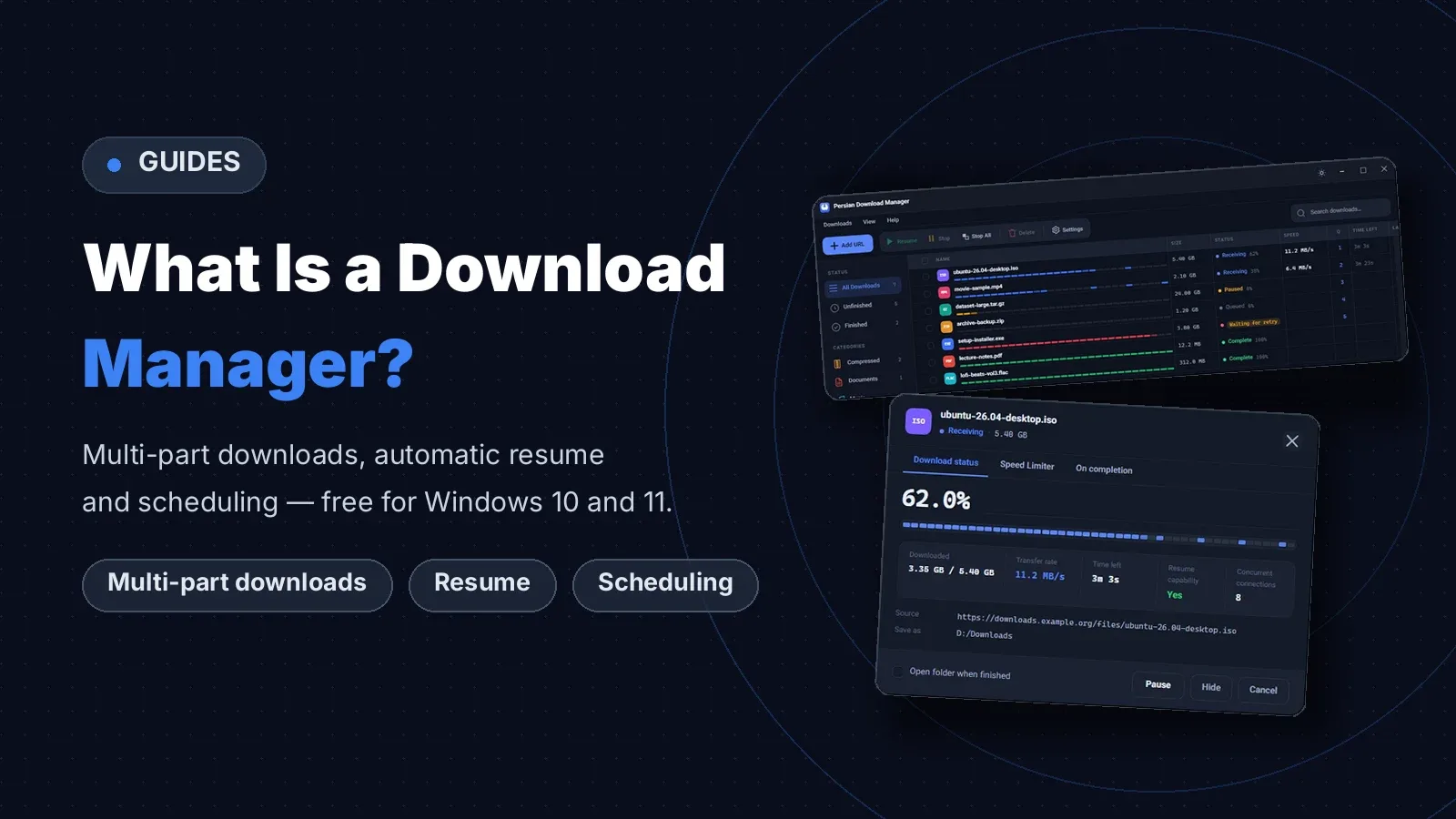
A download manager takes downloads over from your browser and handles them faster, more reliably and in better order. It fetches one file in several parts at once, picks up where it stopped if the connection drops, and works through your downloads in a queue or at the time you choose. This guide explains what a download manager is and how it works, with Persian Download Manager (PDM), free for Windows 10 and 11.
If you want the full list of uses first, see What is a download manager used for? 10 uses on a PC.
What is a download manager?
A download manager is a program that downloads files from the internet in place of your browser. Browsers are fine for a small file. When the file is large, the connection is shaky or you have many files at once, a download manager does the job better. It does not just start a download — it manages it.
How does a download manager work?
1. Multi-part downloads
It fetches one file in several parts over several connections at once. PDM opens up to 8 connections per file by default, and you can raise that to 16. Your final speed still depends on your connection and the server.
2. Resuming a broken download
If the connection drops or the PC shuts down, the download does not start from zero. It continues from where it stopped, as long as the server supports resuming. See how this saves large files in How to download large files reliably.
3. Queues and scheduling
Put downloads in a queue so they run one or a few at a time, and set a start and stop time — for example, for a cheap overnight data plan. You can even have the PC shut down when downloads finish.
4. Catching downloads from your browser
With the official extension for Chrome, Edge and Firefox, a download you start in the browser goes straight to the download manager. You can also add a link by hand, or just copy a link and the Add download dialog opens by itself.
Why is a browser not enough for downloads?
| Feature | Browser | Download manager |
|---|---|---|
| Resume after a broken connection | Usually not | Yes |
| Multi-part downloads | No | Yes |
| Scheduling | No | Yes |
| File organisation | No | Yes |
| Speed limiting | No | Yes |
A browser fetches each file over one connection and has no queue, scheduling or link renewal. It also cannot always continue a download that broke off. That is what it is built for.
A download manager for your PC: what you need
- Windows: PDM runs on Windows 10 and 11 (64-bit), and installing it needs no administrator rights.
- Linux and Android: there is a Linux version for 64-bit Linux and an Android app for Android 8 and later.
- Browser: extensions for Chrome, Edge and Firefox.
Frequently asked questions about download managers
Is a download manager free?
Persian Download Manager is free to use and needs no sign-up. Get it from the download page.
Does a download manager work on Windows 7?
No. PDM is built for Windows 10 and 11 and does not run on Windows 7 or 8.
Does a download manager make my internet faster?
No, it does not change the speed of your line. It makes better use of the speed you have, especially when a server gives each connection only a little speed and a multi-part download gets around that limit. For the technical side, see HTTP range requests on MDN.
How is a download manager different from the browser's downloads?
A browser fetches each file over one connection and has no queue, scheduling or link renewal. It also cannot always continue a download that broke off. A download manager is built for exactly those jobs.
If you are looking for a free one for Windows 10 and 11, download Persian Download Manager and try it yourself.