
Guides
How to download large files reliably
Large downloads often fail in the browser. Persian Download Manager downloads them in parts, resumes them and runs them overnight.
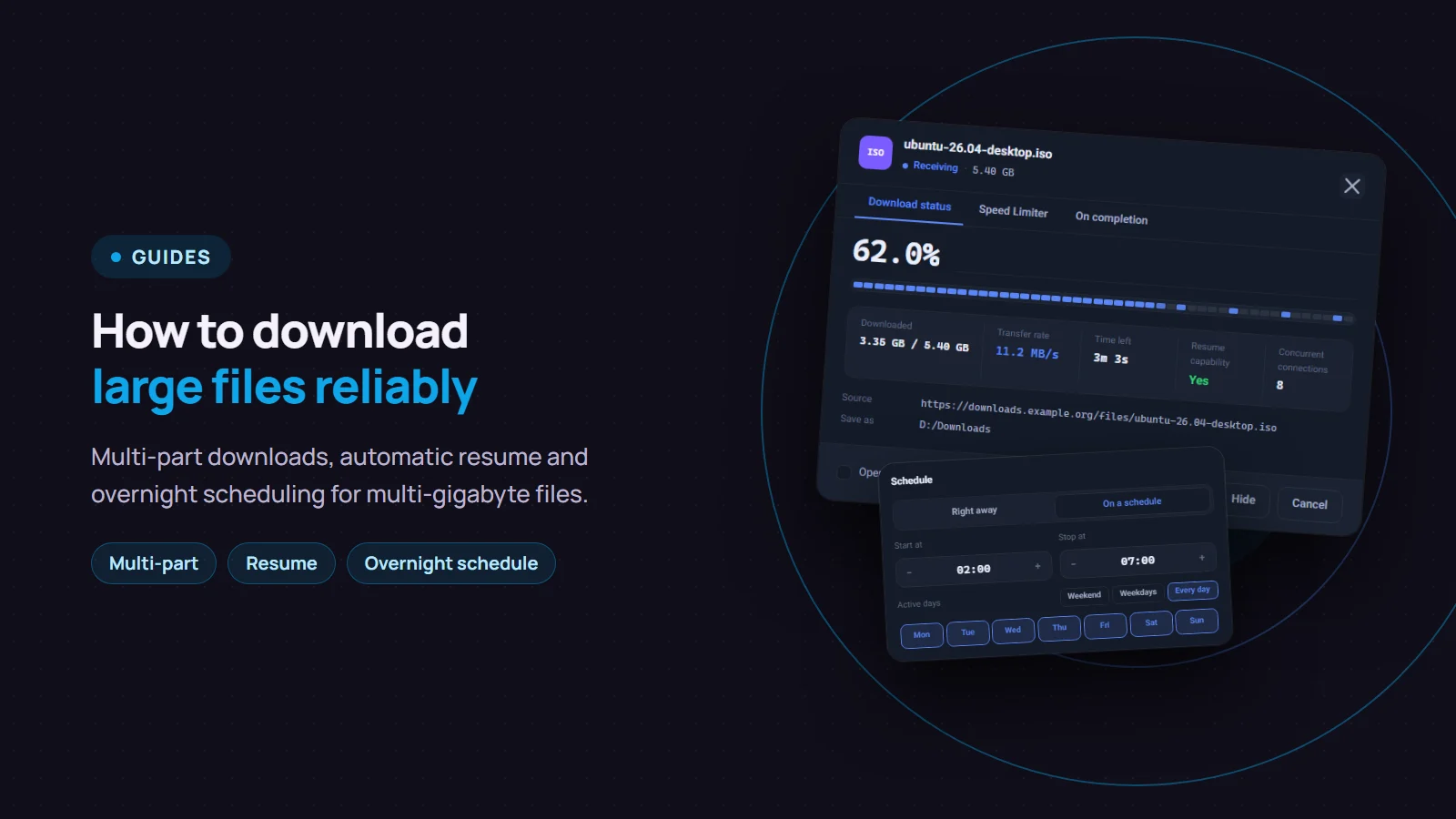
Downloading a large file, say 5 GB, in a browser is risky: a short connection drop, the PC going to sleep or an expiring link is enough to waste hours. With a download manager such as Persian Download Manager (PDM), the file is downloaded in several parts at once, continues from where it stopped after a drop, and can run at the time of day that suits you. This guide walks through it step by step.
Before you download a large file
- Check your free disk space. For multi-part downloads, PDM reserves the file's full size on disk right at the start, so a lack of space usually shows up at once rather than hours later.
- Check your USB drive or external disk. Drives formatted with the old FAT32 format cannot hold a file larger than 4 GB. For bigger files, save to a drive formatted as NTFS or exFAT.
- Hand the link to PDM. With the browser extension, the download goes to PDM by itself. You can also add the link by hand with "Add URL".
Multi-part downloads: faster and safer
PDM splits the file into parts and fetches each over its own connection: up to 8 connections by default, and up to 16 if you want. If one connection slows down or drops, the others keep going.
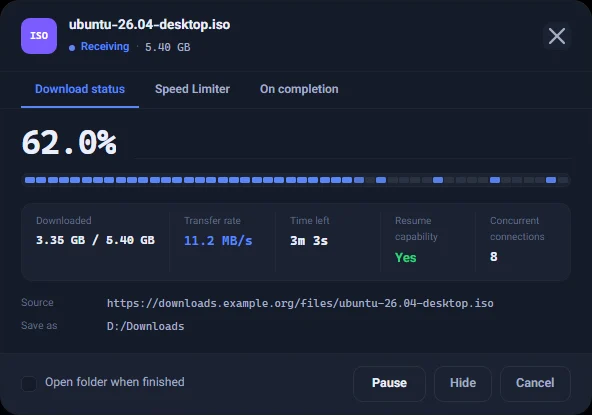
Look at "Resume capability" in the progress window. If it says "Yes", the server lets the download continue from the middle, so drops cost nothing. To make it faster, see the four settings that actually help.
When the connection drops or the link expires
- Short drop: PDM retries by itself a few times; see automatic retry.
- Long outage or closing PDM: click "Resume" later and it continues from where it stopped; see resuming a broken download.
- Expired link: do not delete the download. Give it a fresh link with "Renew link…" so nothing already downloaded is lost; see renewing an expired link.
Download overnight and walk away
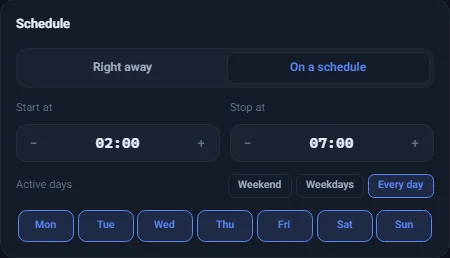
Multi-gigabyte files are best downloaded at night, when the connection is quieter.
- In "Scheduler & Queue", choose "On a schedule" and set a start and stop time.
- Put the download in the "Main queue".
"Keep the computer awake while downloading" is on by default, so the PC does not fall asleep halfway; read more here.

If you want the PC to shut down when the downloads finish, see shutting down after downloads.
After the download: check the file is intact
For large files such as Windows or Linux install images, sites usually publish a checksum (SHA-256). Check the file's hash to be sure it arrived complete and unchanged before you copy it to a USB drive or install it.
Good to know
- Several large files at once: keep "Downloads at once" low in "Scheduler & Queue", so the bandwidth is not split between files and each one finishes sooner.
- If the rest of your connection slows down: limit the download speed.
- Data allowance: the usage report shows how much you downloaded each month.
- Avoid downloading twice: if you already have the file, PDM warns you before downloading it again.
If you do not have Persian Download Manager yet, get it free from the download page.