
Guides
PDM vs IDM: a free IDM alternative for Windows and Linux
Persian Download Manager vs IDM on pro features, price and platforms. A free IDM alternative for Windows, Linux and Android.
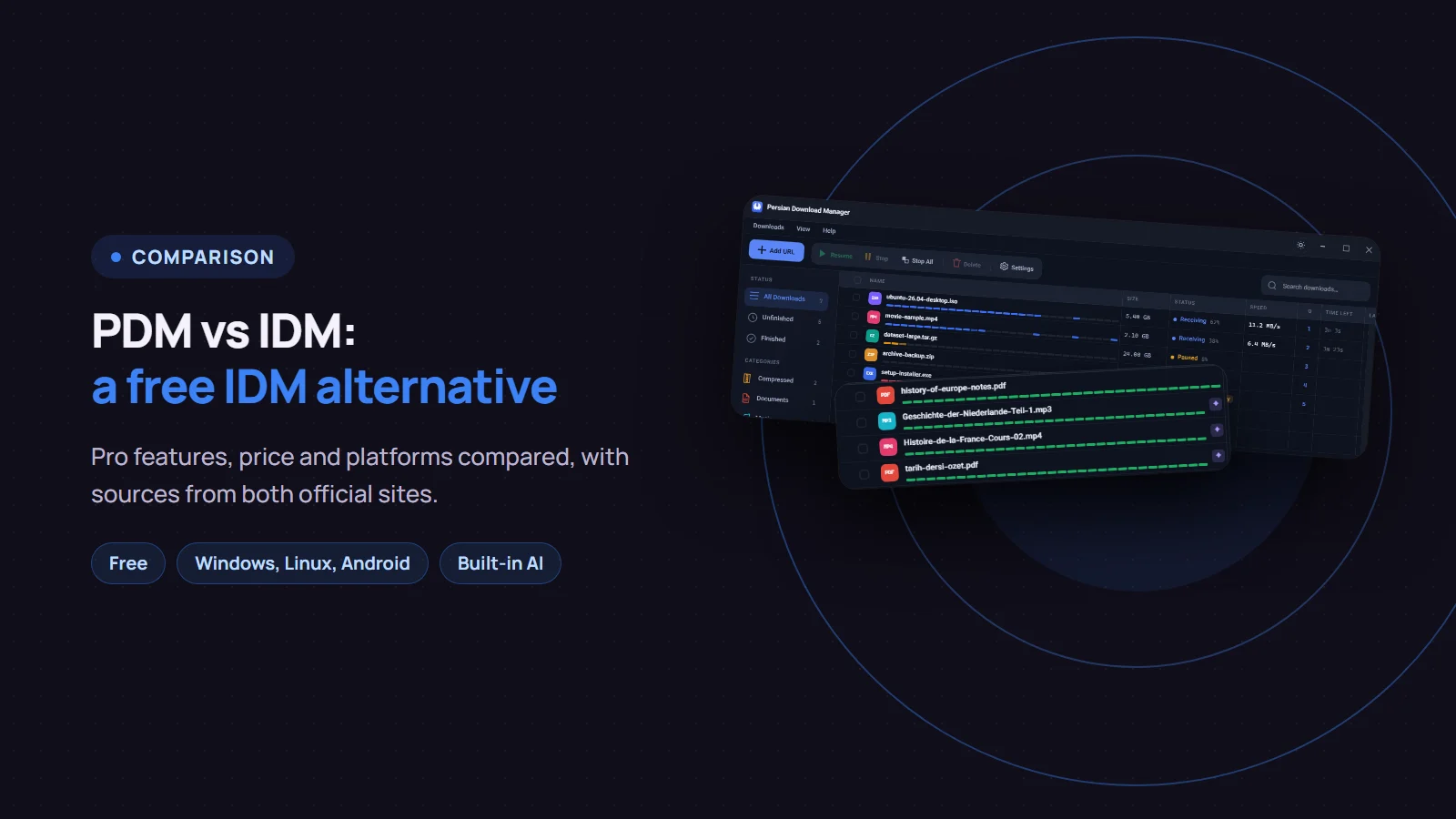
If you are looking for a free IDM alternative, here is the short version. IDM (Internet Download Manager) is a long-established, paid download manager that runs only on Windows and opens up to 32 connections per file. Persian Download Manager (PDM) is free, runs on Windows, Linux and Android, and adds features such as AI-powered smart categories and smart search. Each one is ahead somewhere; this post puts the two side by side, fairly.
The IDM facts come from its official website as of November 11, 2026, when the latest IDM version was 6.43 Build 18.
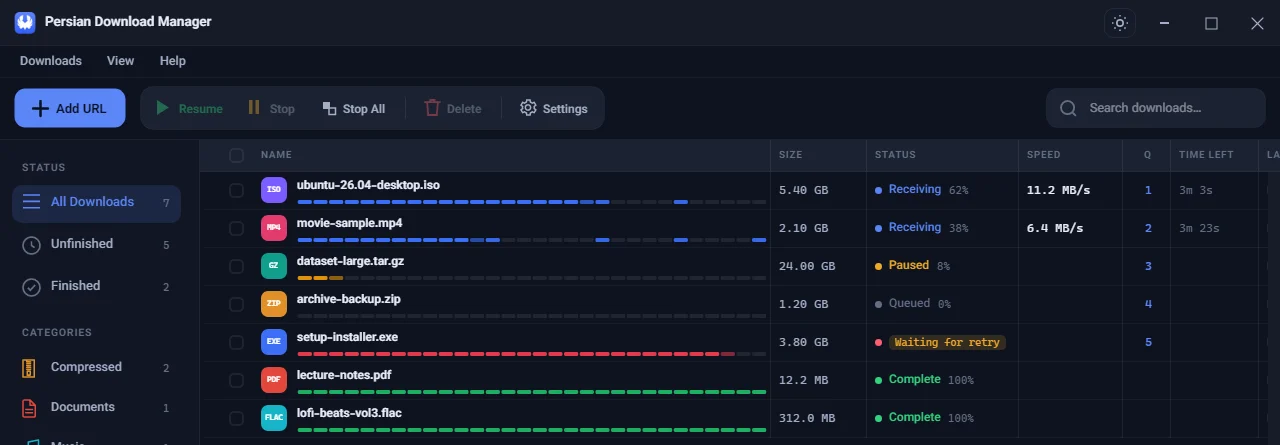
PDM vs IDM at a glance
| Persian Download Manager | IDM | |
|---|---|---|
| Price | Free | Paid: $11.95 a year or $24.95 lifetime for one PC, with a 30-day trial |
| Platforms | Windows 10 and 11, Linux, Android | Windows only (7, 8, 10 and 11) |
| Connections per file | Up to 16 (8 by default) | Up to 32 |
| Interface languages | English, Persian, Arabic, German and Turkish, all built in | Volunteer translations |
| Browser extension | Chrome, Edge and Firefox | Chrome, Edge, Firefox and other browsers |
| Video downloads | YouTube and many other video sites, playlists included | Video download panel in the browser |
| Queue and scheduler | Yes, with shut down or sleep when the queue completes | Yes, with shut down, sleep or disconnect |
| Speed limiter | For the whole app and for each file | For each download separately |
| Proxy | HTTP, HTTPS and SOCKS5 | Many proxy types and SOCKS, plus PAC |
| Renewing an expired link | "Renew link…" | "Refresh download address" |
| Virus check after download | With your Windows antivirus | With a scanner you choose |
| Clipboard monitoring and command line | Yes | Yes |
| Dark mode | Yes | Yes |
| Resuming broken downloads | Yes | Yes |
| Automatic file categories | AI-powered: films, series by season, courses, podcasts, books | By file type or site |
| Searching your downloads | Smart search by meaning, across names in five languages | — |
| Grabbing all links on a page | Yes | Yes |
| Downloading a whole website | No | Yes (site grabber) |
| Server sign-in with username and password | No | Yes (Basic, NTLM, Kerberos) |
| File hash check (MD5, SHA-1, SHA-256, SHA-512) | Yes | — |
| Warning for disguised programs | Yes | — |
| Archive passwords per site | Remembered and copied when you open the file | — |
| Usage report | Monthly report with an optional allowance | Hourly download cap |
| Waking the PC from sleep for a scheduled download | No | Yes |
"—" means we did not find this feature in IDM's official feature list and help pages; it may exist in another form. IDM's prices depend on your region and can change; see the current price on IDM's buy page.
Where IDM is ahead
For a fair comparison, these are the areas where IDM leads today:
- More connections per file. IDM opens up to 32; PDM up to 16.
- Older Windows. IDM also runs on Windows 7 and 8; PDM needs Windows 10 or 11.
- Servers that need a username and password. IDM supports Basic, NTLM and Kerberos sign-in. PDM does not have this yet.
- Downloading a whole website. IDM has a site grabber that saves all pictures or pages of a site. PDM grabs all the links on a page at once, but not an entire site.
- Waking the PC from sleep to start a scheduled download.
- Track record. IDM has been developed for more than 25 years.
Pro features in Persian Download Manager
These are the features that make the difference for many users:
- AI smart categories. Every file goes to the right folder by itself: films, series by season, courses, podcasts or books. See smart categories.
- Smart search. Finds a file by its meaning, even when its name is in another language. Read about smart search.
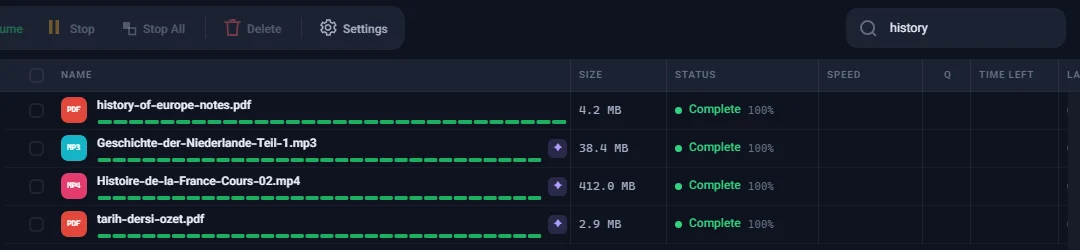
- Duplicate download warning. Tells you before you download a file you already have, even from a different link. See avoiding duplicate downloads.
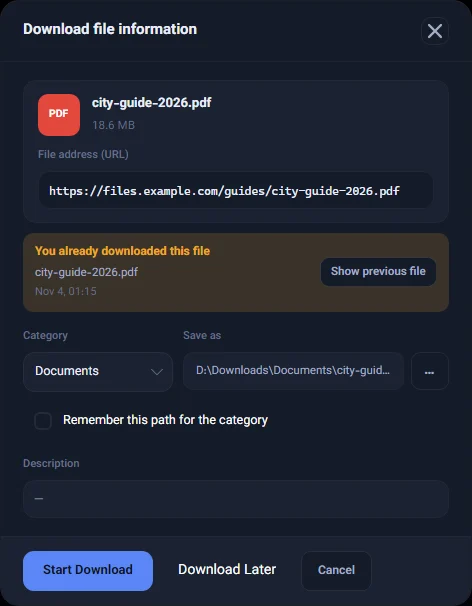
- File safety. Checking a file's hash, and a warning for a program disguised as a video or document.
- Keeping the PC awake. The PC does not fall asleep in the middle of an overnight download.
- Usage report. How much you downloaded each month, with an optional monthly allowance.
- Safe, light updates. Updates are digitally signed and PDM checks the signature before installing. Since version 3.7, only the changed files are downloaded.
Price: free versus a license
IDM has no free version. You can try it free for 30 days, after which it needs a serial number. A one-year license stops working after a year unless you renew it. A lifetime license is a one-time payment, and each PC needs its own license.
Persian Download Manager is free, needs no sign-up and can be installed on as many PCs as you like.
Which one should you choose?
- Choose IDM if you are on Windows 7 or 8, download from servers that require a sign-in, or need to save an entire website for offline use.
- Choose Persian Download Manager if you want a download manager that costs nothing, also download on Linux or Android, or value automatic file organisation and smart search.
Frequently asked questions
Is Persian Download Manager a good IDM alternative?
For most people, yes. The core jobs of a download manager are in both: multi-part downloads, resuming, catching downloads from the browser, video downloads, queues and scheduling. The differences are the ones listed above.
Is there an IDM alternative for Linux and Android?
Yes. PDM has a Linux version for 64-bit Linux and an Android app for Android 8 and later. According to IDM's official site, IDM has no version for Mac, Linux, Android or iPhone.
Is IDM free?
No. IDM offers a 30-day trial and then needs a paid license. Persian Download Manager is free.
How fast is Persian Download Manager?
PDM fetches each file over several connections at once; the final speed also depends on your connection and the server. For the best speed, see the four settings that actually help.
If you want a free IDM alternative for Windows 10 and 11, download Persian Download Manager and compare for yourself. For more, see what a download manager is used for.