
Guides
Smart search: find your downloads by meaning
In Persian Download Manager 3.5, type one word and smart search also finds files whose names are in other languages.
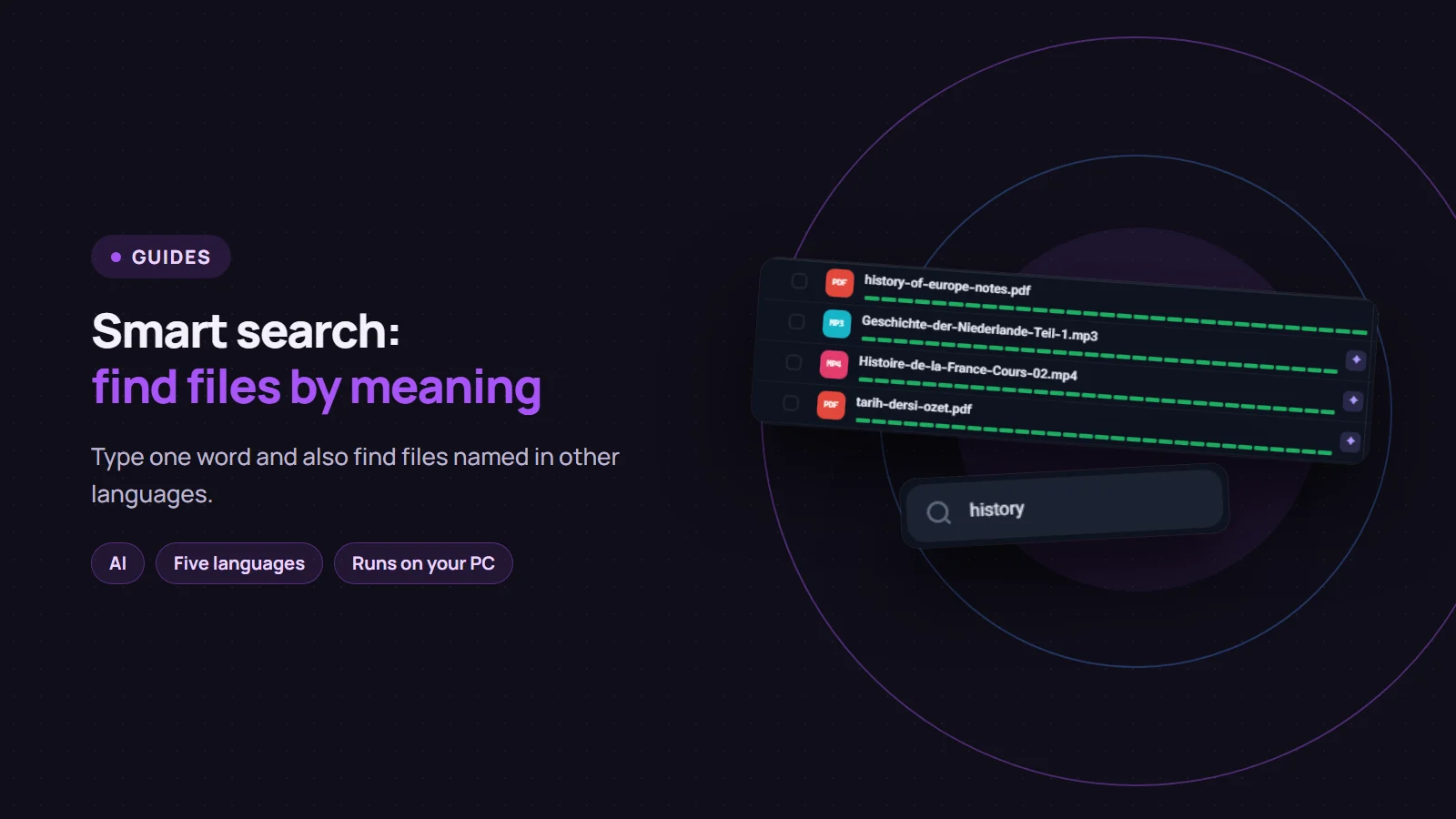
Until now, searching the download list only looked for the exact letters you typed. If you had a file called Geschichte-der-Niederlande.mp3 and searched for "history", nothing came up. Since version 3.5, Persian Download Manager (PDM) has smart search: it understands what a word means and also shows files whose names are in another language.
How it works
Type into the "Search downloads…" box above the list, as always.
- Files whose names contain your exact text show up at once.
- A moment later, files whose names are close in meaning are added below them, the closest first.
- These files carry a purple ✦ mark. Hover over it and it says "The AI found this by its meaning".
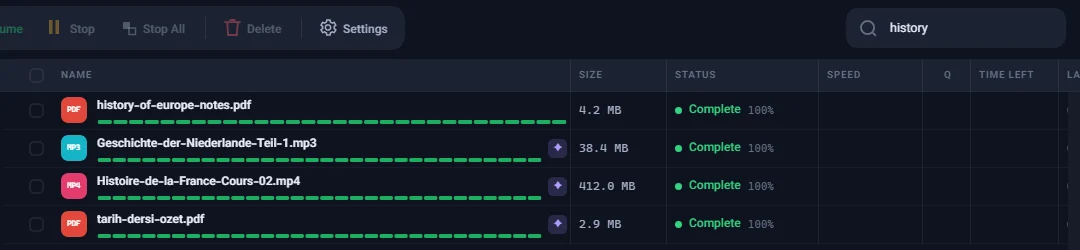
In this example, "history" found the English file and also the German (Geschichte), French (Histoire) and Turkish (tarih) ones. Smart search works with file names in English, Persian, Arabic, German and Turkish.
Add the kind of file
If you add the kind of file to the topic, such as "movie", "book", "music" or "photo", PDM limits the results to that kind of file. For example, "history book" shows only books and documents about history, not history audio or video.
These words are matched against the category PDM chose for the file when it was downloaded; see smart categories. If you picked a category in the sidebar, such as "Video", the search stays inside it.
Privacy
- It all happens on your computer. The AI model is installed with PDM, and searching does not go online.
- What you type is never recorded, not in PDM's logs and not anywhere else.
- Search only shows. It never moves, renames or removes a file.
Limits
Smart search does not find everything, and now and then it shows a file that is not related:
- A word in one script does not match the same word spelled in another. A Persian word will not find a file named with its Latin spelling; type the English word instead.
- Some words are missed. "Poetry" will not find a poet's collected works if nothing in the name means poetry.
- Meaningless names are not searched by meaning. Files named with only numbers and random letters are found by their letters, not by meaning.
If you do not have version 3.5 yet, PDM offers the update by itself. And if you do not have Persian Download Manager yet, get it free from the download page.