
Guides
Remember archive passwords for every download site
Save a site's archive password once and Persian Download Manager copies it when you open a file from that site. Just paste it.
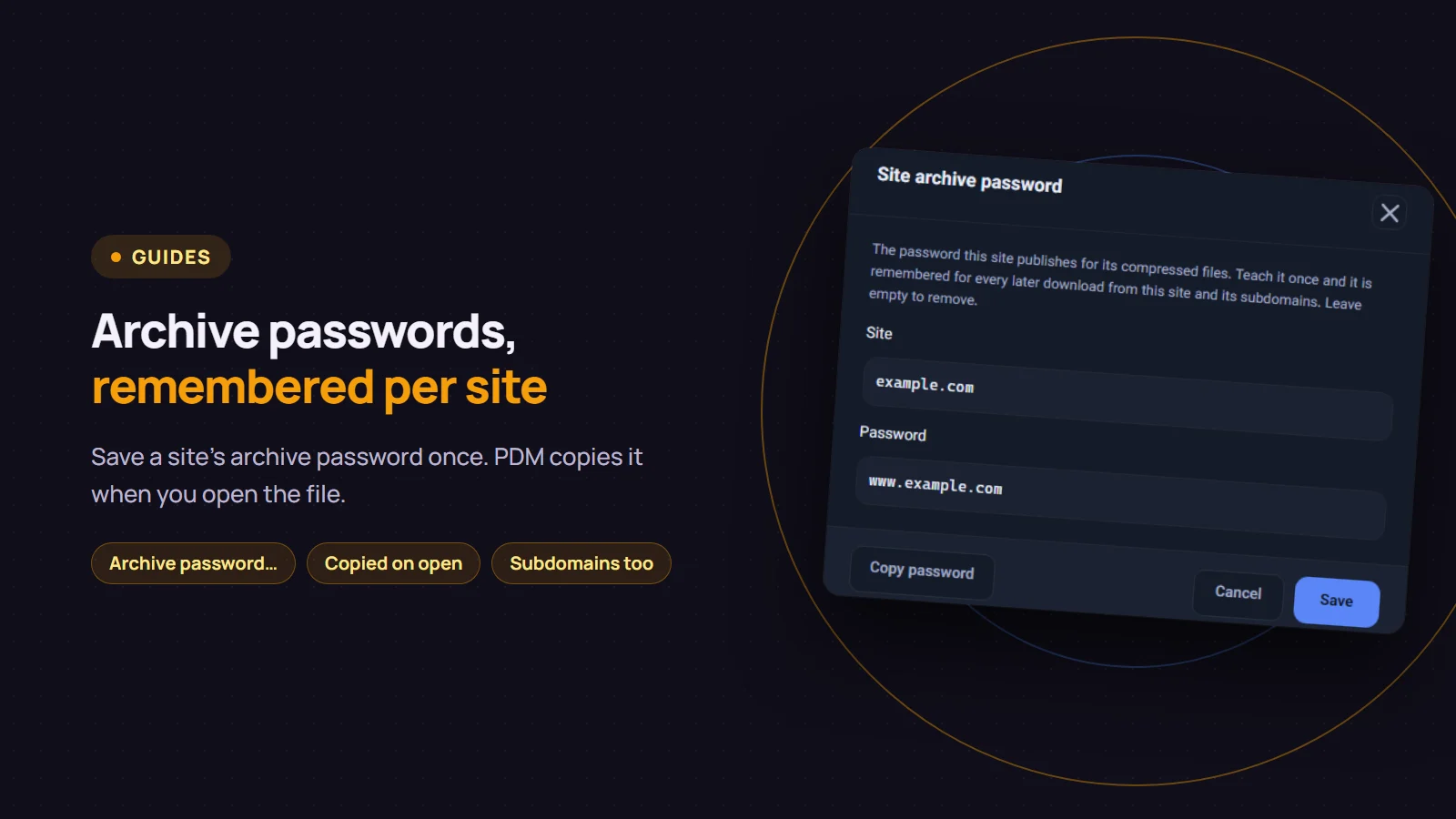
Many download sites protect their compressed files with a password and print it somewhere on the page. Every time, you have to go back, find it and copy it. Persian Download Manager (PDM) makes this simpler: save a site's password once with "Archive password…", and from then on, when you open a file from that site, the password is already on your clipboard. Just press Ctrl+V in the password prompt.
Save the password once
- Download the compressed file.
zip,rarand similar files go into the "Compressed" category. - Right-click the download and choose "Archive password…". The item appears only for files in the "Compressed" category.
- The "Site" box shows the site you downloaded from. Type the password the site published into the "Password" box and click "Save".
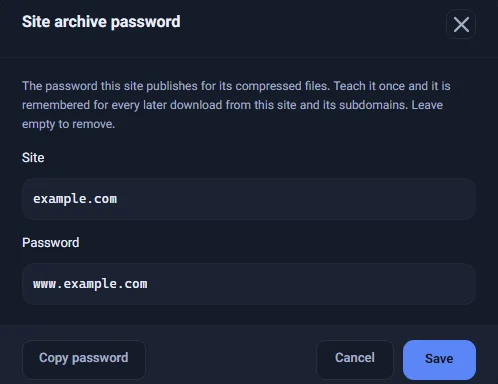
The password is remembered for the site and all of its subdomains. If you save it for example.com, a file that comes from dl2.example.com gets the same password.
If the "Site" box shows the download server rather than the site itself, change it to the address of the site where you found the download page. Some sites serve their files from a different server.
The password is ready when you open the file
From now on, right-click a finished compressed file and choose "Open file". PDM opens it with your archive program and copies the site's password at the same time. A message at the bottom of the window tells you the password was copied.

When your archive program asks for the password, press Ctrl+V and you are done. The password can also be copied from the progress window of a finished archive, with its "Copy password" button.
If you have not saved a password yet
Many download sites use their own address as the password, for example www.example.com. So if you have not saved a password for a site, PDM copies that guess when you open the file, and its message says exactly what it copied. If the guess is wrong, save the real password once with "Archive password…". From then on, the saved password is always used.
Good to know
- PDM does not extract the file itself. Your archive program does that. PDM only puts the password on the clipboard, ready to paste.
- To remove a site's password, clear the "Password" box and click "Save".
- This is for public passwords that sites publish. The passwords stay on your computer and are never written to PDM's logs. Still, do not put a personal password, such as an account password, here.
If you do not have Persian Download Manager yet, get it free from the download page. To have compressed files go to their own folder automatically, see smart categories.