
Guides
Shut down your PC automatically when downloads finish
Start your downloads and walk away: Persian Download Manager can shut down or sleep the PC once the queue completes. Here is how.
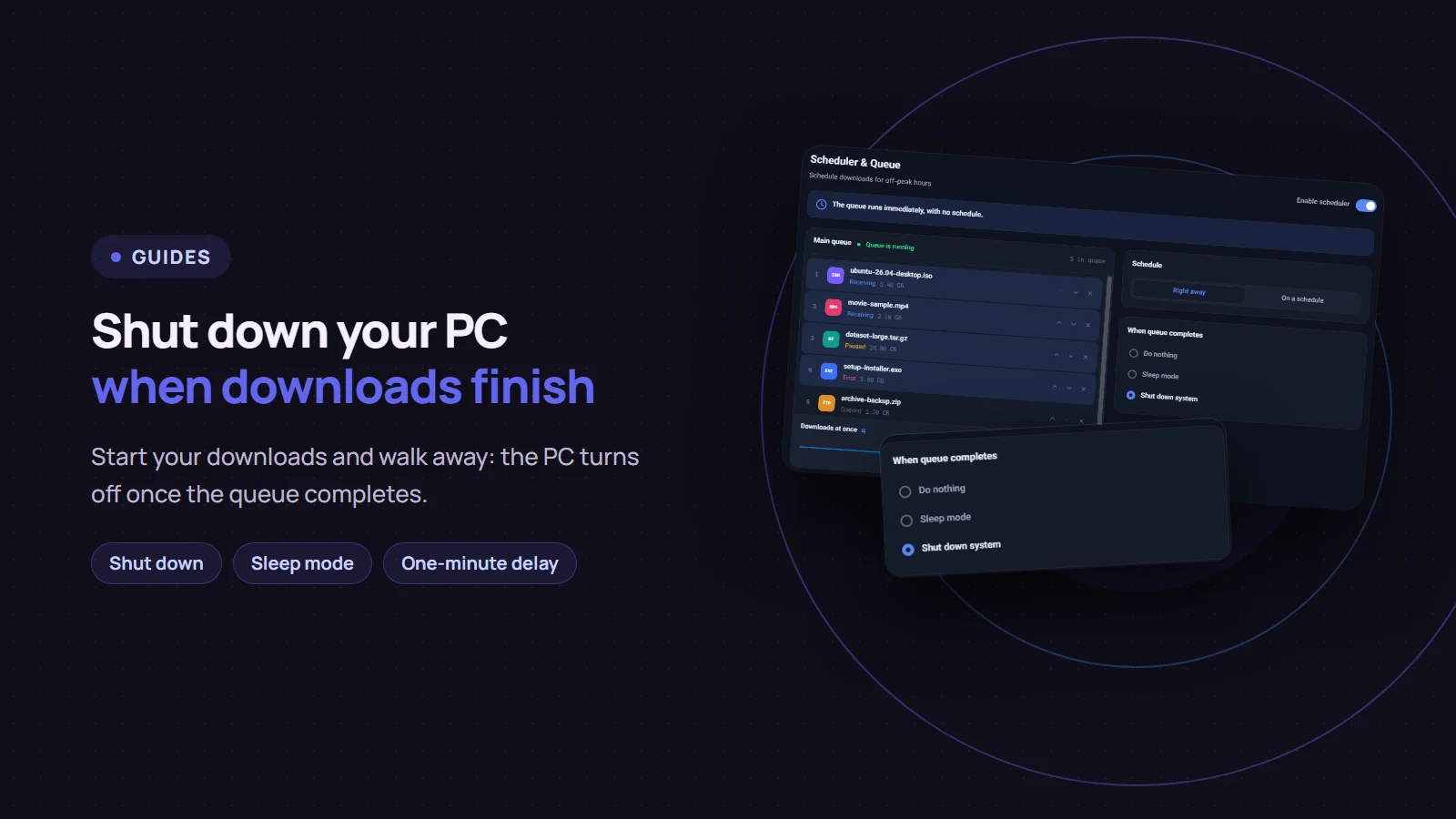
If you have big downloads and do not want to sit by the computer until they finish, Persian Download Manager (PDM) can shut the computer down, or put it to sleep, once the download queue completes. On the Scheduler & Queue screen, choose "Shut down system" under "When queue completes". This post walks through it, along with a few things worth knowing before you leave.
Step by step
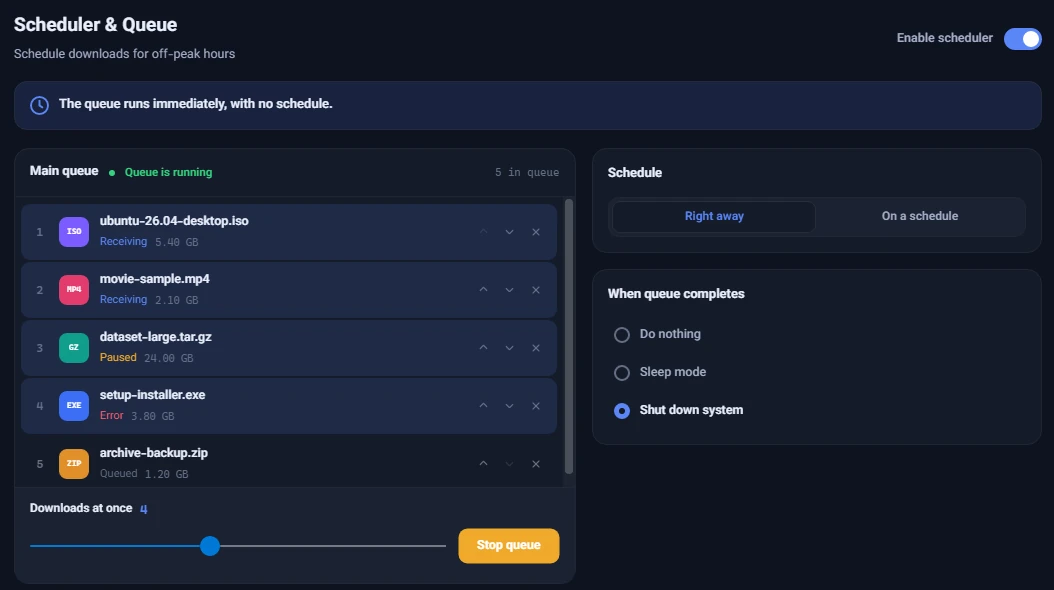
- Click "Scheduler & Queue" in PDM's sidebar.
- Turn on "Enable scheduler" and, under "Schedule", choose "Right away" so the queue starts now.
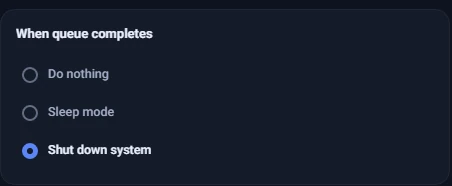
- Under "When queue completes", choose "Shut down system". If you only want the computer to sleep, pick "Sleep mode".
- Make sure the downloads you want are in the "Main queue".
When exactly does it shut down?
When the queue is empty: no download is running and none is waiting in the queue.
- Paused or failed downloads are not waited for. If you paused a download, or one failed and is waiting to retry, PDM does not hold the shutdown for it. Take a look at the list before you go.
- The setting stays. Every time the queue fills up and then empties again, the same action runs. If you do not want a shutdown next time, set it back to "Do nothing".
- It works with a schedule too. If you set a start and stop time instead of "Right away", the same option runs once the queue's work is done.
A minute to change your mind
PDM does not switch the computer off instantly. When the queue completes, it shows a "When queue completes" notification and asks Windows to shut down after a one-minute delay. If you are at the computer and want to stop it, press Win+R, type this and press Enter:
shutdown /a
Before you walk away
- Unsaved work is lost. With this kind of shutdown, Windows closes open programs without asking. Save any open document before you leave.
- PDM has to stay open. The PDM window carries out the action, so you can close the window and PDM moves to the notification area by the clock, but do not choose "Exit". If you exit, your downloads still finish, but the computer will not shut down.
- Sleep mode is gentler. Sleep does not close your programs, and everything is where you left it when you wake the computer. If you have unsaved work, it is the safer choice.
If you do not have Persian Download Manager yet, get it free from the download page. To make the queue finish sooner, see the four settings that actually help.