
Guides
Limit download speed so your internet stays usable
Cap download speed in Persian Download Manager for the whole app or a single file, so browsing and video calls stay smooth.
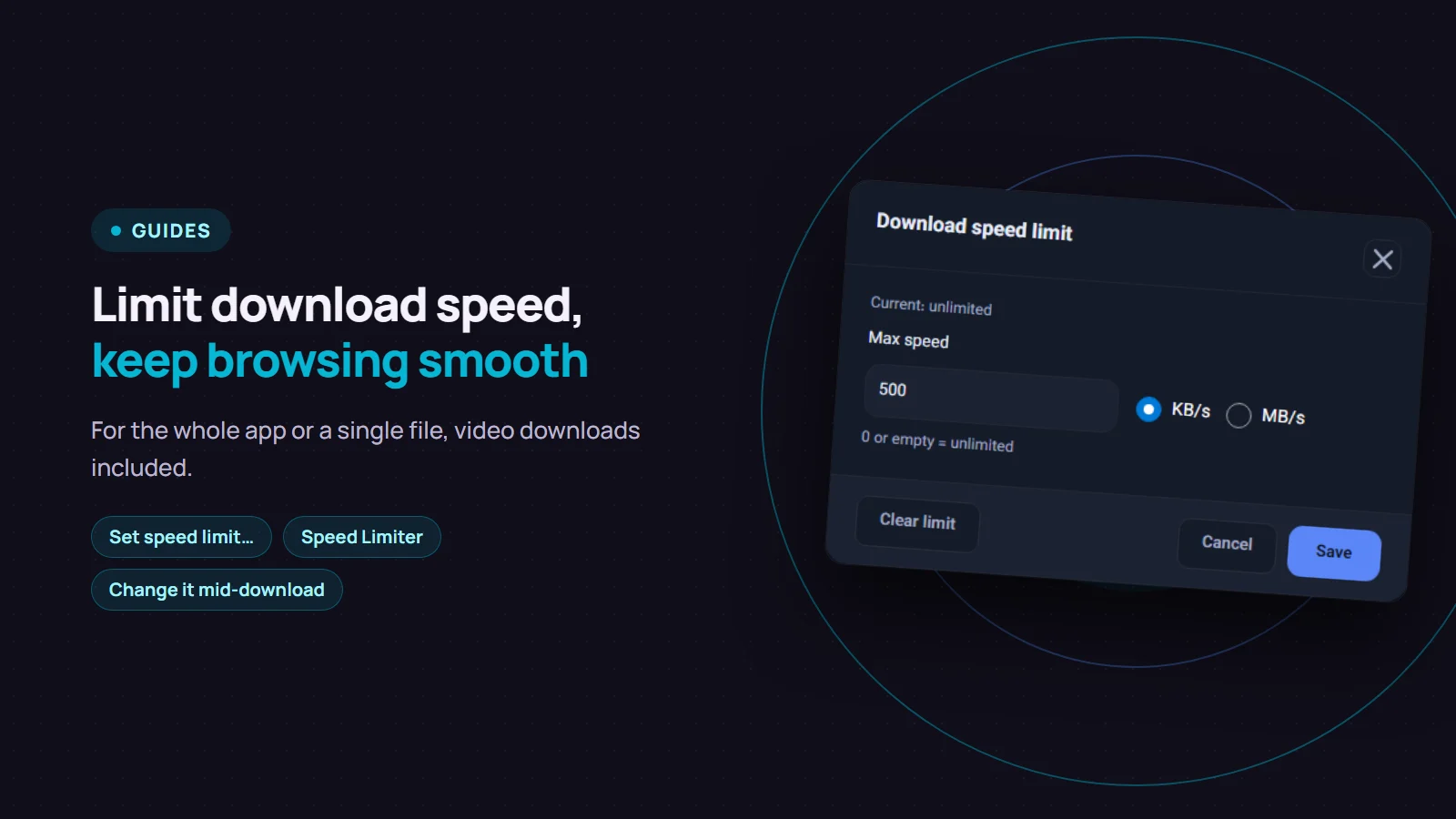
A big download usually takes all of your bandwidth. Pages load slowly, video calls stutter, and everyone else on the connection notices. Persian Download Manager (PDM) lets you limit download speed so part of the connection stays free for everything else. You can set the limit for the whole app or for a single file.
A limit for the whole app
The quickest way is the "Downloads" menu, then "Speed Limiter". Pick one of the presets: "unlimited", 500 KB/s, 1 MB/s, 5 MB/s or 10 MB/s.
For any other number, open "Settings", go to "Connection", and type the limit in kilobytes per second into "Speed limit (KB/s)". 0 means no limit.
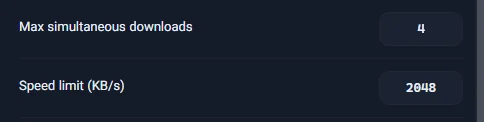
This limit is for all downloads together, not for each one. If three files download at once, together they never go above it.
A limit for one file
Sometimes one large file is the problem and the rest should run at full speed. Right-click that download and choose "Set speed limit…". Type a number, pick KB/s or MB/s and click "Save". To remove the limit, click "Clear limit".
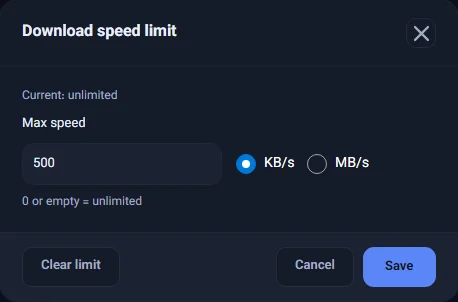
You can do the same from the download's progress window. On the "Speed Limiter" tab, turn on "Use speed limiter" and enter the "Maximum download speed".

A file's limit is saved with that download. If you pause it, or close PDM and open it again, the limit is still there.
If you set both
If there is a limit for the whole app and another for one file, the lower of the two applies; they are never added together. For example, with 1 MB/s for the app and 500 KB/s for one file, that file downloads at no more than 500 KB/s.
Good to know
- You can change it mid-download. A new limit on a running download takes effect right away; there is no need to pause.
- Video downloads are included. Since version 3.4, speed limits also apply to video downloads from sites such as YouTube, not only to ordinary files.
- A limit does not save data. The file is the same size; it just takes longer. To keep an eye on how much you download, see the usage report.
- A limit cannot make things faster. If your connection or the server is slower than the number you set, the download runs at its real speed. To make downloads faster, see the four settings that actually help.
If you do not have Persian Download Manager yet, get it free from the download page.