
Guides
Download by copying a link: clipboard monitoring in PDM
Turn on clipboard monitoring and every file link you copy opens in Persian Download Manager's Add URL dialog, ready to go. No pasting.
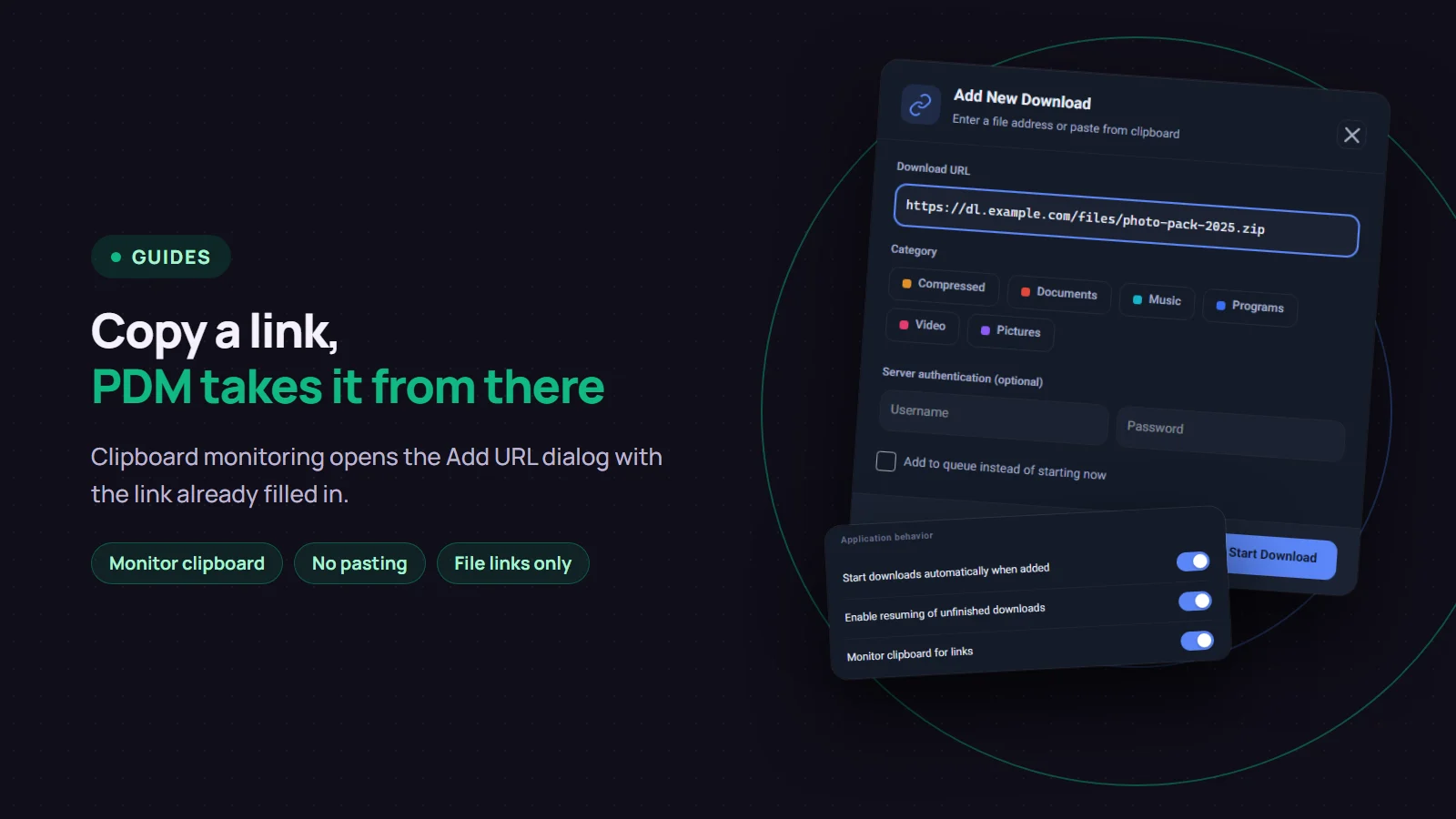
If you copy links from a chat, an email or a web page and then paste them into your download manager, you can skip a step. Turn on "Monitor clipboard for links" in Persian Download Manager (PDM) and simply copy a file link. PDM comes to the front and opens the "Add New Download" dialog with that link already filled in.
Turn on clipboard monitoring
It is off by default.
- Open "Settings" and click "General".
- Turn on "Monitor clipboard for links".
- Click "Save".
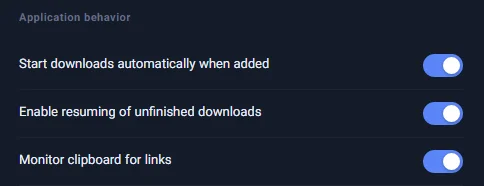
What happens when you copy a link
Copy a link to a file, with Ctrl+C or "Copy" in the right-click menu. Within about two seconds, the PDM window comes forward and "Add New Download" opens with the link in it, even if PDM was closed to the notification area by the clock.
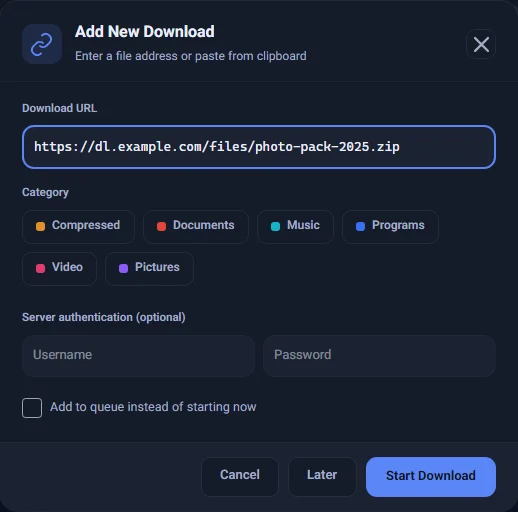
Carry on as usual from there. Pick a category if you like, then click "Start Download" or "Later". To let the download wait its turn, tick "Add to queue instead of starting now". PDM never starts a download without you confirming it.
Which links it picks up
PDM reacts only to a link that points straight at a file: a single address starting with http or https whose path ends in a file extension such as zip, rar, exe, msi, iso, apk, mp4, mkv, mp3 or pdf.
These are ignored, so PDM never nags you:
- Ordinary text, or several lines even if one of them is a link
- The address of a web page that does not end in a file, such as a video page on YouTube. Paste those into "Add URL" yourself, or use the browser extension.
- Whatever was already on the clipboard when PDM started
Each link opens the dialog only once, even if it stays on the clipboard. And if another PDM window is open, such as Settings, clipboard monitoring does not interrupt you.
Good to know
- PDM has to be running. You can close the window so PDM moves to the notification area, but do not choose "Exit".
- Your clipboard stays on your computer. It is checked locally, never written to PDM's logs and never sent to any server.
- For many links at once this works one link at a time. If you have a long list, importing links from a text file is faster.
- Browser capture is a different feature: the browser extension hands downloads you start in the browser to PDM by itself. See the browser capture guide.
If you do not have Persian Download Manager yet, get it free from the download page.