
Guides
Proxy Settings in Persian Download Manager: Setup Guide
Proxy settings in Persian Download Manager: pick a connection mode, enter the address as scheme://host:port, and add login details only if your proxy asks.
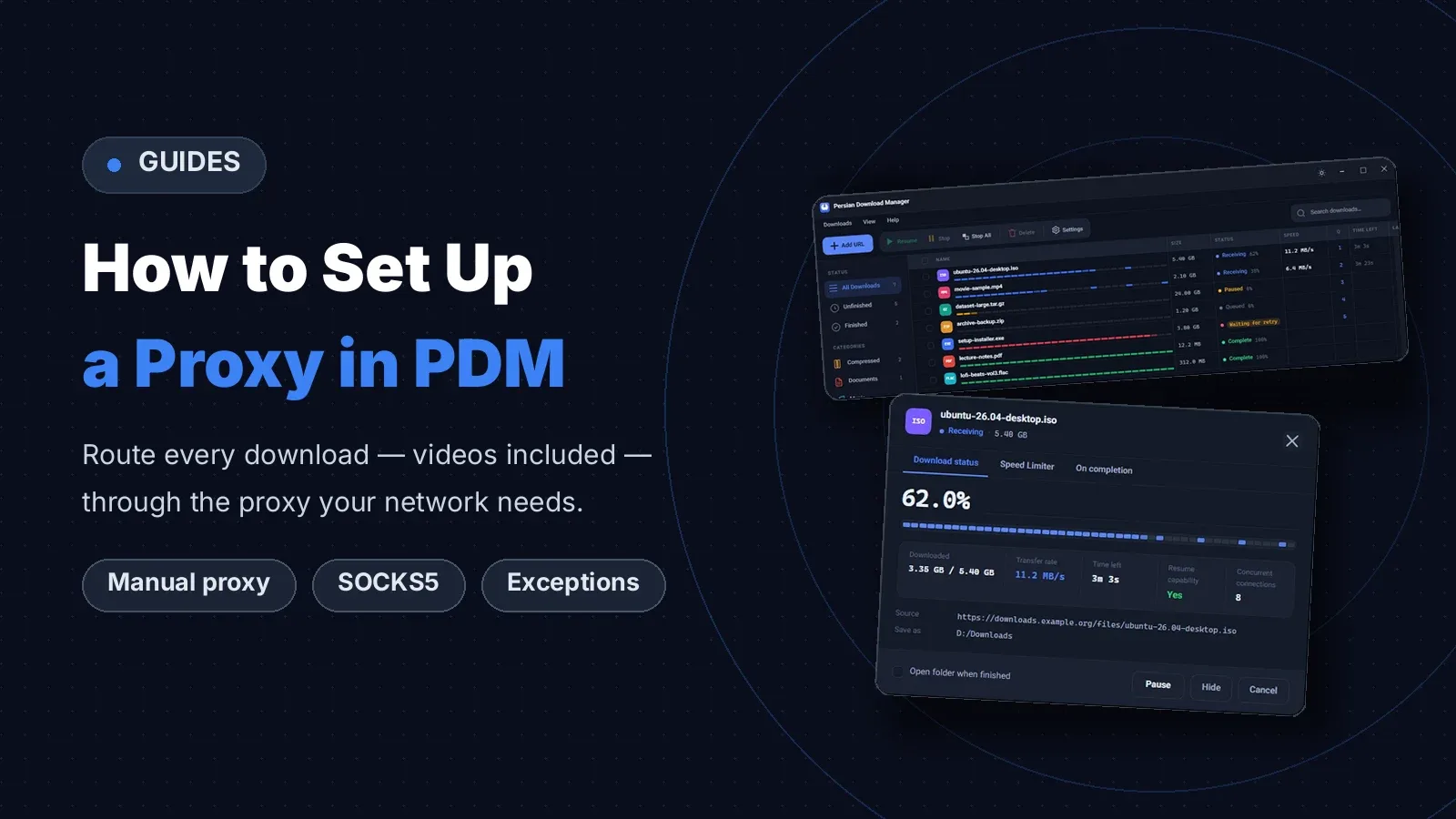
If your connection goes through a proxy, Persian Download Manager can send every download over the same route, so a site that is otherwise unreachable still downloads. The settings live in one place, Settings → Proxy, and they apply to version 3.1 and later. This guide walks through the three connection modes, the manual address, login details and the hosts that should skip the proxy.
Proxy settings at a glance
A proxy sits between your computer and the internet: your downloads go to the proxy first, and the proxy fetches them for you. In Persian Download Manager you choose one of three modes. "Follow the system" uses the Windows proxy settings and is the default. "No proxy" always connects directly, even when Windows has a proxy configured. "Manual proxy" uses one specific address, and only Persian Download Manager uses it — the rest of your computer is untouched. Does your connection already go through a proxy at work, at school or through a VPN tool? If so, you probably need the manual mode and the exact address from whoever runs that proxy.
How to set up a proxy
Open Settings → Proxy and work through the steps below in order. The full reference for these settings is the proxy help page, which shows the same screen with the three modes and the manual fields.
1. Pick a connection mode
Choose one of the three modes. Start with "Follow the system" if your computer already connects through a proxy and you want Persian Download Manager to do the same. Pick "No proxy" when you know the proxy is getting in the way and you want a direct connection. Pick "Manual proxy" when you have a specific address and want only Persian Download Manager to use it.
2. Enter the manual proxy address
In manual mode, write the address in full, as scheme://host:port. Four schemes are supported: http, https, socks5 and socks5h. The last two differ in a way that matters: with socks5h, site names are resolved at the proxy and stay hidden from your own network; with socks5, the lookup happens on your machine. A typical local example looks like this:
socks5://127.0.0.1:1080
Type the address exactly as your proxy provider gives it to you, including the scheme and the port number. A missing scheme or port is the most common reason a manual proxy does not connect at all.
3. Add a user name and password only if asked
If your proxy requires authentication, fill in "User name" and "Password". The password is stored encrypted on your machine, is never shown back in the form, and clearing both boxes and saving removes it. Do not fill in a password "just in case": once a password is set, Persian Download Manager only connects with authentication, and a proxy that wants none will refuse the connection.
4. List the hosts that connect directly
In "Connect directly for", list comma-separated hosts that should skip the proxy — localhost, or servers on your office network. For example:
localhost, .example.com
This list only applies in manual proxy mode. It is the right place for addresses that only exist inside your own network, where sending the request to an outside proxy would make no sense.
5. Start a download and check the details
Save the settings, then start a download. Every download — and every video download — now travels through the proxy you configured. Open a download's details at any time to see its source and progress. If a download fails, check the error message first: when the proxy is unreachable, the error says so explicitly instead of blaming the link, so check that the proxy is running before you question the link itself.
When should you use each mode?
| Connection mode | When to use it | What happens |
|---|---|---|
| Follow the system | Your computer already uses a proxy | Persian Download Manager follows the Windows proxy settings |
| No proxy | The proxy is in the way, or you want a direct connection | Downloads always connect directly, even if Windows has a proxy set |
| Manual proxy | You have one specific proxy address for downloads | Only Persian Download Manager uses that address, with your exceptions |
One exception is worth knowing before you rely on the proxy for everything: the app's own update check cannot travel over a proxy that requires a password. In that case the message points you to the website instead, where you can check for a new version directly. If you are still deciding whether a download manager fits how you download, read what a download manager is and how it works first, and see how it differs from the browser in download manager vs browser downloads.
What do you need?
- Persian Download Manager on Windows 10 or 11 (64-bit). The proxy settings described here apply to version 3.1 and later.
- The proxy address in full, as scheme://host:port, from whoever runs the proxy.
- A user name and password only if the proxy requires authentication.
- The hosts that should skip the proxy, if any, for the exceptions list in manual mode.
If you haven't installed Persian Download Manager yet, get it from the Persian Download Manager download page.
Frequently asked questions about proxy settings
Does the proxy apply to video downloads too?
Yes. Every download, including every video download, travels through the proxy you configured, so a video from a site that is otherwise unreachable can still download.
What if my proxy needs a user name and password?
Fill in "User name" and "Password" in Settings → Proxy. The password is stored encrypted on your machine and is never shown back in the form, and clearing both boxes and saving removes it.
Why does a download fail after I set a proxy?
Check that the proxy itself is running first. When the proxy is unreachable, the download error says so explicitly instead of blaming the link, so a dead proxy — not a bad link — is the most likely cause.
Can I skip the proxy for some hosts?
Yes, in manual proxy mode only. List the hosts in "Connect directly for", separated by commas, and those hosts will connect directly while everything else goes through the proxy.
Set the proxy once, then leave it alone: if downloads start failing, check the proxy before you change anything else. You can combine the proxy with a queue for large files — see how to queue multiple downloads — or run downloads overnight with how to download at night on a cheaper data plan. If you don't have Persian Download Manager yet, get it from the download page.