
Guides
How to Download Instagram Videos on Your PC
Want to save an Instagram video to your PC? Copy the post link, get the direct video file, and download it in parts with automatic resume in Persian Download Manager.
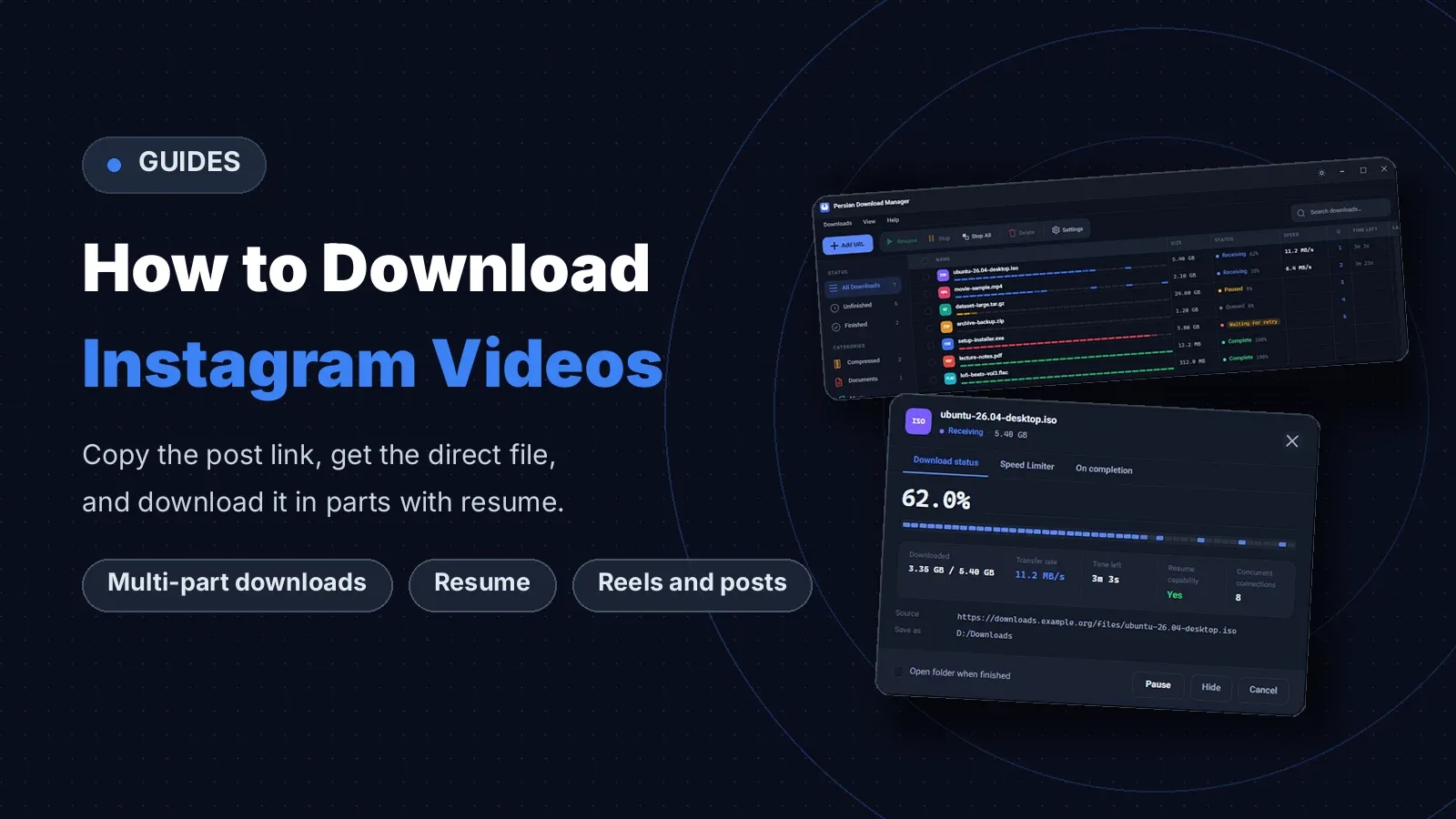
Instagram gives other people's videos no download button. The Save button only bookmarks the post in your account; it creates no file on your device. But the video file itself has a direct address, and once you have that address, Persian Download Manager downloads Instagram videos in parts, quickly, and resumes them automatically. This guide shows you where to get the video link and how to download it, free for Windows 10 and 11.
If you are not sure what a download manager does yet, start with what a download manager is and how it works.
Downloading an Instagram video at a glance
To download an Instagram video you need the file itself, not the post page. For public Reels, Instagram offers its own download option if the creator allowed it, but that file carries a watermark and is not always available. The more reliable way is to take the video file's direct address from your browser and hand it to Persian Download Manager. Only download videos that are yours, or that the creator has allowed you to save.
How to download an Instagram video in 4 steps
1. Copy the post link
In the Instagram app, tap the share button under the post and choose "Copy link". On the web version, copying the post page address from the address bar is enough. The same steps work for Reels, feed videos and multi-photo posts.
2. Find the direct link to the video file
Open the post in Chrome on your computer and press F12 to open the developer tools. Go to the Network tab, choose Media, and refresh the page. In the list, find a request ending in mp4, right-click it and choose "Copy link address". That is the video file's direct address. Note that this link expires after a while, so hand it to your download manager soon.
3. Hand the link to Persian Download Manager
Open "Add new download" in Persian Download Manager and paste the link. An easier way is to simply copy the link: if clipboard monitoring is on, the add-download window opens by itself with that link already in it. If you have installed the browser extension and the browser starts downloading the video file, the extension hands it to the program itself. Choose the folder and category for the file, so the video lands where it belongs.
4. Start the download
Persian Download Manager fetches the file over 8 connections at once by default, and you can raise that number to 16. If the connection drops or the computer shuts down, the download continues from where it stopped, as long as the server supports resuming. For large files, see the full method in how to download large files reliably. After the download, you can also right-click the video to extract its audio or cut a clip from it.
Which Instagram videos can you download?
| Video type | Downloadable with this method | Note |
|---|---|---|
| Public Reel | Yes | If the creator allowed it, Instagram itself offers a download too; that file has a watermark |
| Public feed video | Yes | With the direct link to the video file |
| Story | Yes, while it is live | A story disappears after 24 hours, so download it soon |
| Private account | No, unless you follow it | Without access to the post, the direct link is not available either |
What you need to download an Instagram video
- Windows: Persian Download Manager runs on Windows 10 and 11 (64-bit). Installing it needs no administrator rights.
- Linux and Android: There is a Linux version for 64-bit Linux and an Android version for Android 8 and up.
- Browser: Extensions for Chrome, Edge and Firefox. If you want downloads to run overnight instead, see how to download at night on a cheaper data plan.
Frequently asked questions about downloading Instagram videos
Is downloading an Instagram video free?
Yes. Persian Download Manager is free and needs no sign-up to use. Get it from the download page.
Do I have to sign in to Instagram to download a video?
No. Never give your password to any download tool. For public posts, the direct link to the file is enough. For a private account, you must be an approved follower of that account to see the post at all.
What quality will the downloaded video be?
The same file Instagram stored, usually up to 1080 pixels wide. The program does not re-encode the file, so the quality is what the creator uploaded.
What happens if the download stops halfway?
If the server supports resuming, Persian Download Manager continues from where it stopped instead of starting over. But Instagram's direct link expires after a while; if the download link has expired, get a fresh link and continue the download with it.
If you want to keep Instagram videos on your computer, download Persian Download Manager and try it yourself.