
Guides
How to download Aparat videos in the quality you want
Download Aparat videos with Persian Download Manager: pick a quality from 144p to 1080p, or audio only, and resume any time.
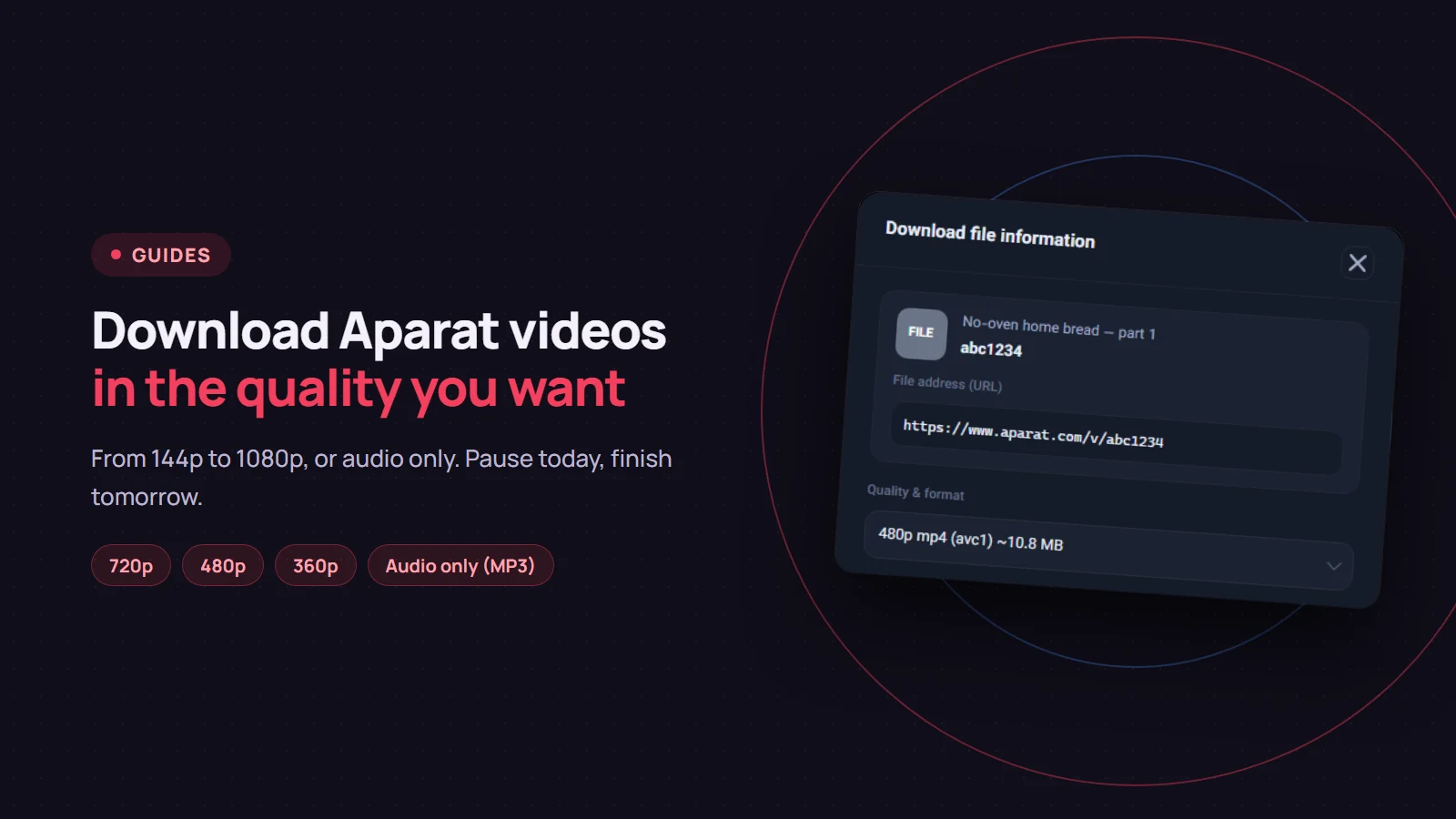
To download a video from Aparat, give the video's page link to Persian Download Manager (PDM). PDM lists the qualities Aparat has for that video, with the size of each, and you pick one. The download then joins the queue like any other file, and if it drops, it picks up where it stopped.
Two ways to add the link
- From the browser, with a quality choice. With the PDM extension installed in Chrome or Firefox, open the video on Aparat, right-click an empty part of the page (not the player itself) and choose "Download video with PDM". The "Download file information" window opens and you choose the quality.
- From inside PDM, quickly. Copy the video page's address from the browser's address bar, click "Add URL" in PDM, paste it and click "Start Download". This way PDM does not ask about quality; it takes the best one available.
If the extension is not installed yet, see installing the browser extension. The right link is the video page's address: something like aparat.com/v/ followed by a few letters and digits.
Choosing the quality
In the "Download file information" window, the "Quality & format" list has two parts:
- Presets: "Best quality (MP4)", a few quality caps such as 720p and 480p, and "Audio only (MP3)" or "Audio only (M4A)" when you only want the sound.
- Aparat's own qualities: every quality Aparat made for that video, with its approximate size, for example "480p mp4 (avc1) ~10.8 MB".
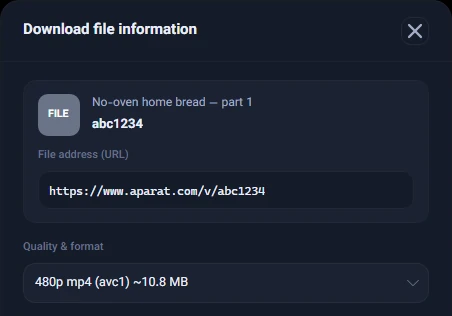
Not every video has every quality: one may go up to 1080p and another only to 720p. PDM shows exactly what Aparat has for that video.
Let the sizes guide you. In a five-minute video we tried, 720p was about 15 MB, 480p about 11 MB and 144p about 4 MB. For a lesson or a talk, 480p is usually plenty. For a lecture you only listen to, a podcast or music, choose "Audio only (MP3)".
If the download stops halfway
The file link Aparat hands out for a download expires after about five hours. PDM does not keep that link; it keeps the video page's address and asks Aparat for a fresh link every time you start or resume. So you can pause a download today and finish it tomorrow.
If the connection drops for a moment, PDM retries on its own. There is more on this in resuming a broken download.
"The uploader has disabled downloads for this video"
On Aparat, whoever uploaded a video can switch its downloads off. When that is the case, the quality list stays empty, this message appears under it, and both "Start Download" and "Download Later" are greyed out.
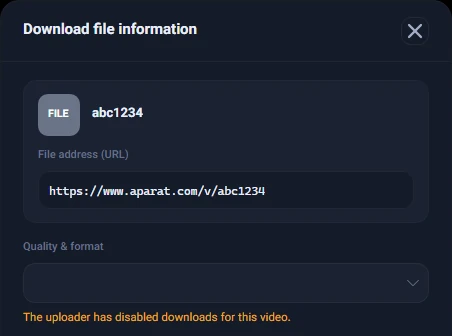
PDM does not work around that choice. Uploaders sometimes switch downloads back on later; PDM checks with Aparat again every time, so if you try again another day and downloads are open, it works.
Aparat playlists
You can paste an Aparat playlist link into "Add URL" too. PDM lists the videos so you can choose which ones to download; the steps are the same as for downloading a YouTube playlist.
Persian Download Manager is free; get the Windows version from the download page. Keep the videos you download for your own use, and respect their creators' rights if you share them anywhere.