
The browser will not connect to PDM
If the extension is installed but links do not reach PDM, work through these in order and stop at the first one that matches your situation.
First: check which build you installed
The Microsoft Store build does not support the browser extension — that is a Store restriction. If you installed PDM from the Store and want the extension, install the direct build from this website.
Repair the integration
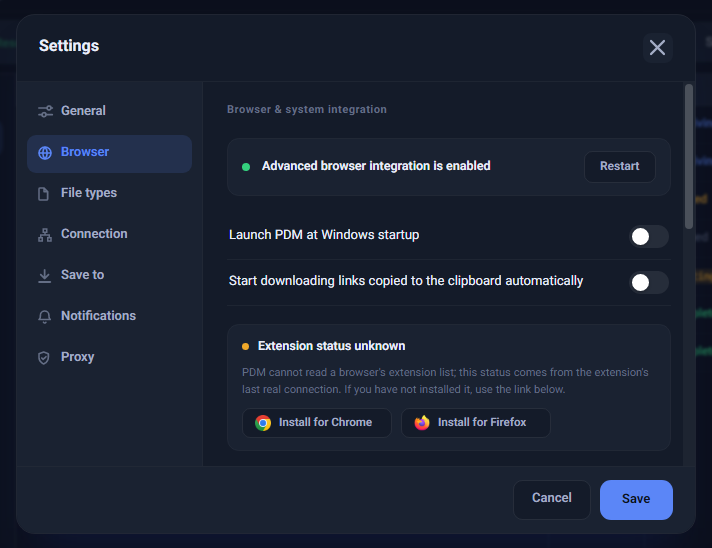
In Settings → Browser press "Repair browser integration". After the success message, close your browser completely and reopen it — closing a single tab is not enough. This resolves most cases.
If PDM says the extension is not installed
This is not a fault. PDM detects the extension from its last real contact, so after reinstalling the app no contact has been recorded yet. Download something through your browser once, or click the PDM icon and press "Open PDM".
If you see a system restriction message
On some systems the user-level registration is not permitted to run, usually because of managed browser policies or the system security configuration. On the same screen, choose the repair option that uses administrator permission and approve the Windows prompt.
A manually installed extension will not work
An extension installed by hand from a file has a different identity than the one PDM expects, so the two cannot communicate. Remove the manual copy and install from the official store.
If nothing above helped
In Settings → Browser press "Copy diagnostics" and send the copied text to support.